


cinnamon-cpufreq-applet - Port of Gnome 3 CPUFreq applet to Cinnamon - with some fixes.
Cost / License
- Free
- Open Source
Application type
Platforms
- Linux
- Cinnamon
- GNOME
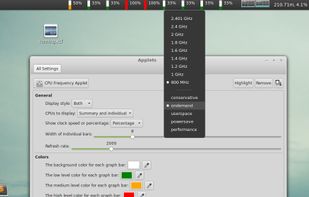


Apps similar to GtkStressTesting include HWiNFO (32/64), which is free for personal use. Other options are Libre Hardware Monitor, AIDA64, Open Hardware Monitor and Sidebar Diagnostics. System Information Utilities like GtkStressTesting are a crowded field, with more than 50 alternatives for Windows, Linux, Mac, Android and iPhone.
cinnamon-cpufreq-applet - Port of Gnome 3 CPUFreq applet to Cinnamon - with some fixes.

With the Click and Go test suite, Antutu will comprehensively test all aspects of an android or ios device, including CPU, GPU, UX, Memory and more.
 China
China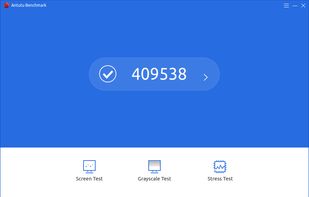
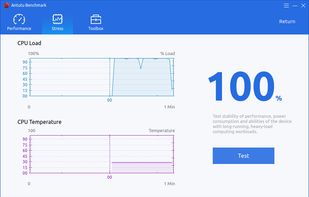


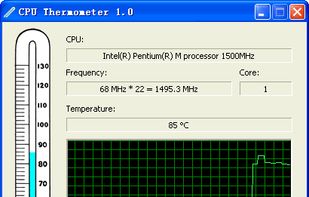
CPU Thermometer is one free CPU temperature monitor; it can help you monitor your computer CPU temperature in live time. Program can start with Windows start-up, and show live CPU temperature in your desktop tray icon, so you get this important system information at a glance.


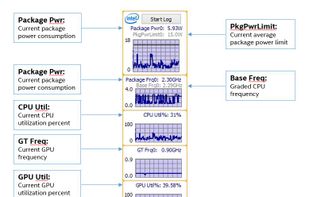
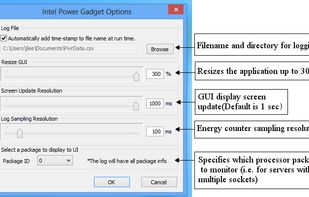
Intel® Power Gadget is a software-based power estimation tool enabled for 2nd Generation Intel® Core™ processors or newer. It provides real-time processor package power information in watts using energy counters.


Temperature Monitor is an application to read out all accessible temperature sensors in Macintosh computers. The program can visualize the history graphs of the readings, display measured values in a large variety of fashions, or announce readings by speech output.


fancontrol is a shell script for use with lm_sensors. It reads its configuration from a file, then calculates fan speeds from temperatures and sets the corresponding PWM outputs to the computed values.
 Germany
 EU
EU


Linpack is a benchmark and the most aggressive stress testing software available today. Best used to test stability of overclocked PCs. Linpack tends to crash unstable PCs in a shorter period of time compared to other stress testing applications.
 Taiwan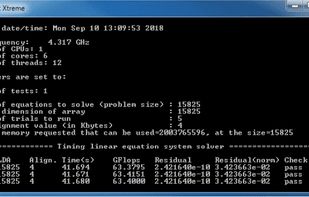


Track Mac fan speed, target speed, minimum and maximum speeds, number of fans, and CPU or GPU temperature in real time from the Notification Center or Menu Bar using a compact widget designed to provide hardware stats without workspace clutter.
 United States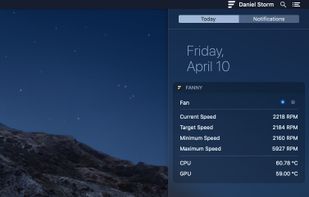


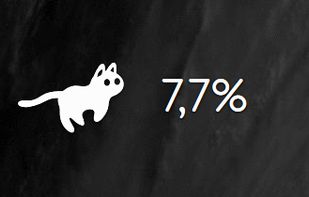
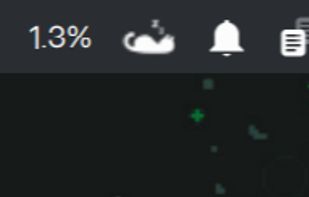


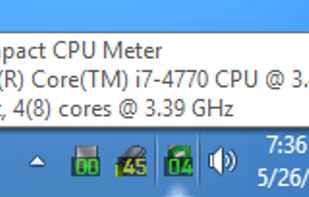
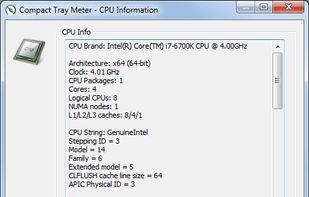
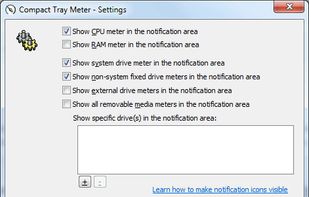
This compact utility displays real-time CPU, RAM and disk drives usage meters right on the taskbar notification area, or next to the system clock, that is always visible.


Xbench was developed by Spiny Software to provide a comprehensive benchmarking solution for Mac OS X. Xbench is useful not only for comparing the relative speeds of two different Macintoshes, but also for optimizing performance on a single machine.
 HungaryEU


