


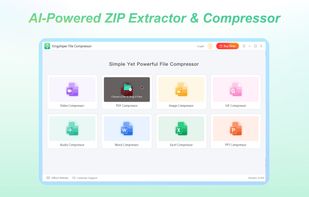
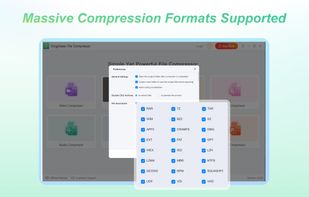
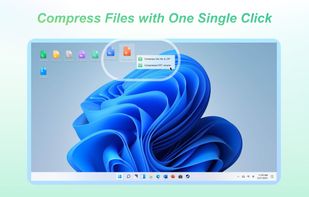
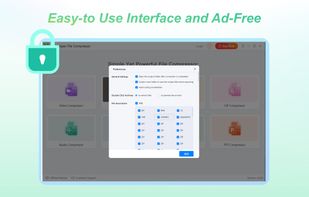
Reduce your image file sizes with Kingshiper Image Compressor, allowing you to easily optimize and compress your images without any quality loss.
Cost / License
- Freemium
- Proprietary
Application type
Platforms
- Windows



+1


Apps similar to Free Image Convert and Resize include Image Toolbox, which is free and open source. Other options are ImageMagick, Caesium Image Compressor, XnConvert and Switcheroo Image Manipulation. You're spoiled for choice with Image Converters like Free Image Convert and Resize: we list more than 100 alternatives for Windows, the web, Mac, Linux and Android.
Reduce your image file sizes with Kingshiper Image Compressor, allowing you to easily optimize and compress your images without any quality loss.

 Germany
 EU
EU


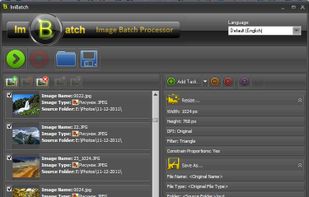
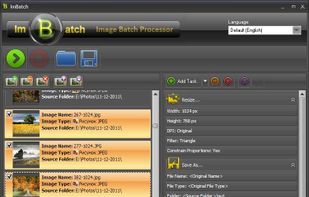
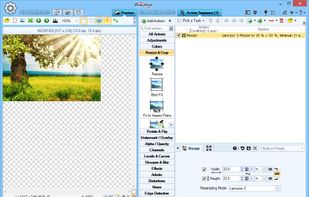
ImBatch is a batch image processor with a nice graphical user interface. It will allow you to edit multiple image files at the click of a button by using scripts. The script will be created by combining Tasks.
 Ukraine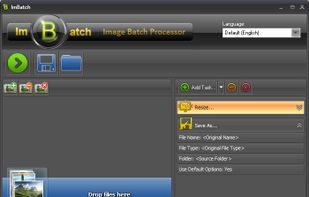


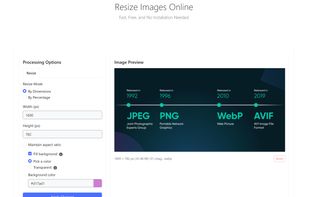
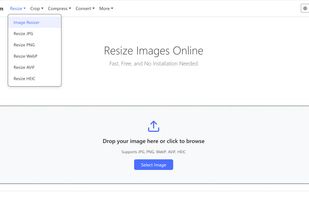
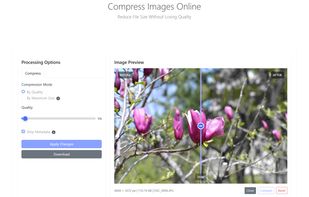
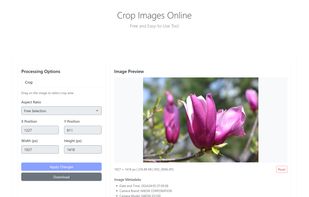
PixTrim is a simple online tool to resize, crop, compress, convert, flip, and rotate images in popular formats like JPG, PNG, WebP, AVIF, and HEIC — all for free and right in your browser.


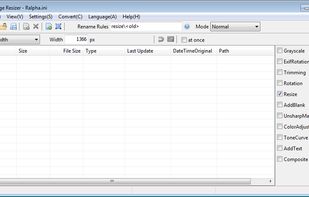
Ralpha Image Resizer is a lightweight and portable program that can perform image operations in batch mode, such as resizing and applying filters.


Online Image Converter converts your BMP, JPG, PNG, GIF or ICO files quickly and easily. It is completely free.
 United States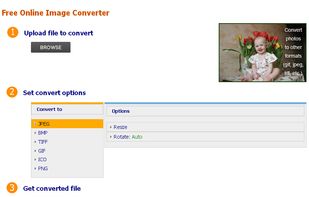


JPEG to PDF is a free program that can convert image files to PDFs. The program provides page size options, as well as image positioning and scaling options.
United States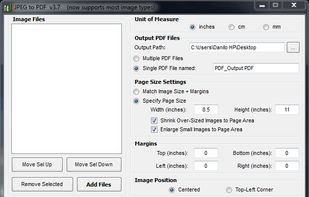


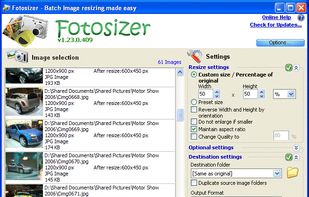
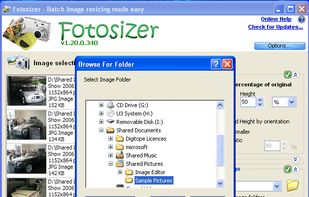
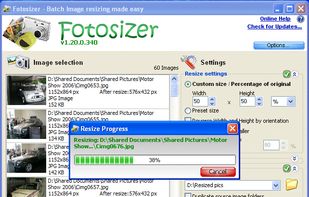
Fotosizer is a freeware batch image resizer tool. It resizes your photos in just 3 easy steps - 1. Photo selection, 2. select resize settings, then 3. Start the resize!


Convert JPG to PDF for free with this online service. Pick your JPG files, send them to the service, select a few options (like the PDF pages size, the JPG scale...) and get your converted PDF. The PDF has one page per JPG picture.


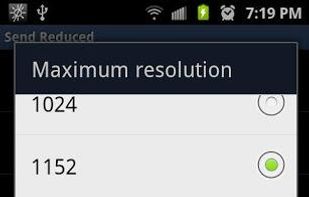
Send Reduced lets you send reduced resolution photos by email with the minimum number of taps. When sharing a photo, just choose "Send Reduced". The first time, you'll have to choose the email (or other) app you want to use with it, but if you set the checkmark to...


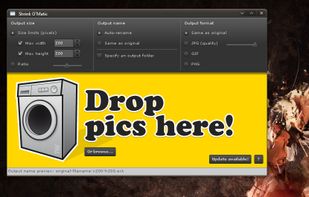
Shrink O'Matic is an AIR application to easily (batch) resize (shrink) images. It handles JPGs, GIFs and PNGs.


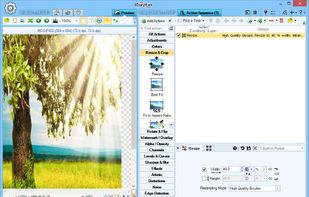
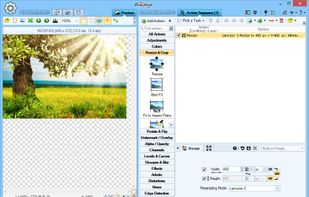
Resize, crop, shrink, flip, EXIF-autorotate, resample, convert, enhance, and process multiple pictures and photos with this professional software! 120+ Actions, 30+ Image Formats, 20 Scaling Modes, Conditional Processing based on Image Orientation.
United States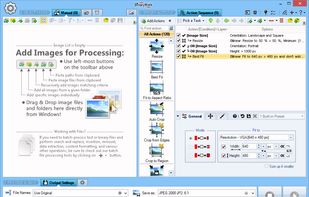


 France


