


FolderGlance
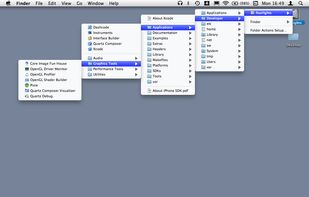
FolderGlance lets you control- or right-click folders in the Finder to see and open their contents directly from the Finder's contextual menu, as well as examine the contents of sub-folders down an unlimited number of levels.
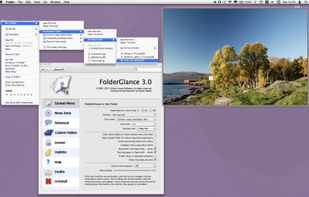
Cost / License
- Paid
- Proprietary
Platforms
- Mac
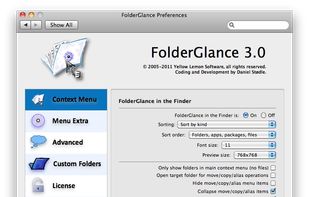

Features
- Context Menu extension
Tags
- Context Menu
- open-folder
- menu-extra
- finder
FolderGlance News & Activities
Recent activities
FolderGlance information
Developed by
Yellow Lemon Software (Daniel Stødle)Licensing
Proprietary and Commercial product.Alternatives
1 alternatives listedSupported Languages
- English

What is FolderGlance?
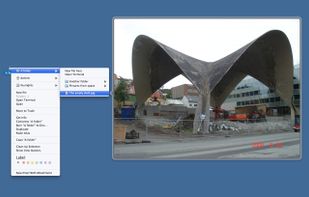
FolderGlance lets you control- or right-click folders in the Finder to see and open their contents directly from the Finder's contextual menu, as well as examine the contents of sub-folders down an unlimited number of levels. With Hover Previews, you can preview files directly from FolderGlance's menus by simply hovering your cursor over an item.
A handy menu-extra also gives you access to your folders from the main menubar, and you can extend FolderGlance's functionality with your own custom scripts. You can move, copy and make aliases of files in folders you browse to, and open files with applications you define using FolderGlance's customizable "Open with..." menu.