


Privacy-first PDF utility (Zero-Server Architecture). Merge, split, compress, and edit PDFs 100% locally on your device. No uploads, no servers, no tracking.


FlexiPDF is not available for Android but there are plenty of alternatives with similar functionality. The best Android alternative is PaperKnife, which is both free and Open Source. If that doesn't suit you, our users have ranked more than 50 alternatives to FlexiPDF and 11 are available for Android so hopefully you can find a suitable replacement. Other interesting Android alternatives to FlexiPDF are KDAN PDF, PDF Toolkit: Edit, Merge, Sign, Wondershare PDFelement and Right PDF Reader.
Privacy-first PDF utility (Zero-Server Architecture). Merge, split, compress, and edit PDFs 100% locally on your device. No uploads, no servers, no tracking.

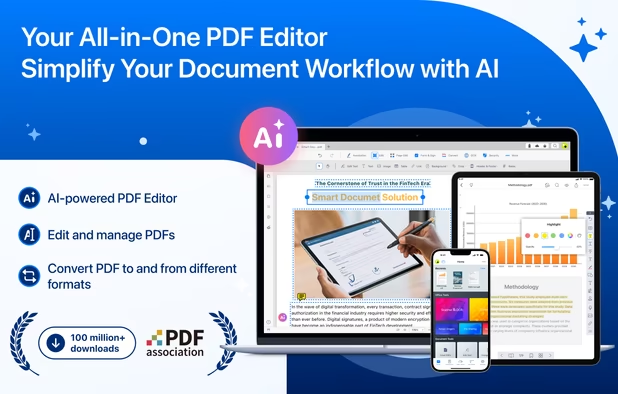
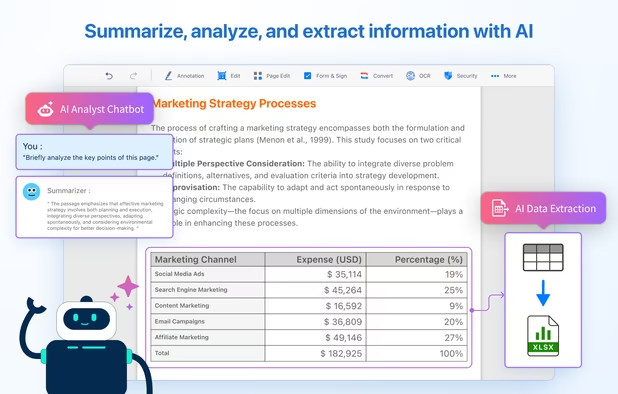
Comprehensive solution for editing, signing, form filling, OCR scanning, commenting, converting, and redacting PDFs, with AI-driven analysis and content extraction, data export to spreadsheets, text-to-speech, seamless use across desktop and mobile, and batch processing.


Privacy-first, offline PDF editor for Android. Merge, split, compress, convert and annotate PDFs — 100% on-device, no internet required.


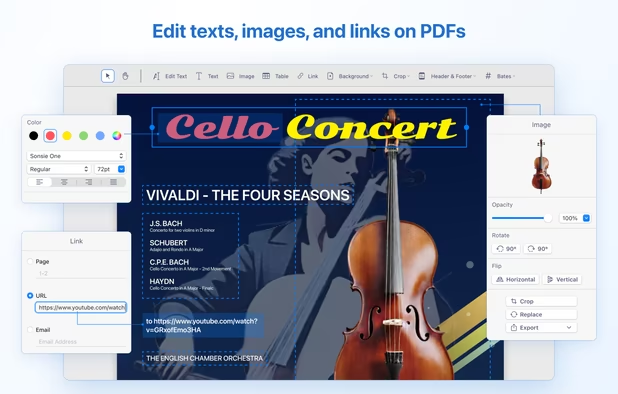
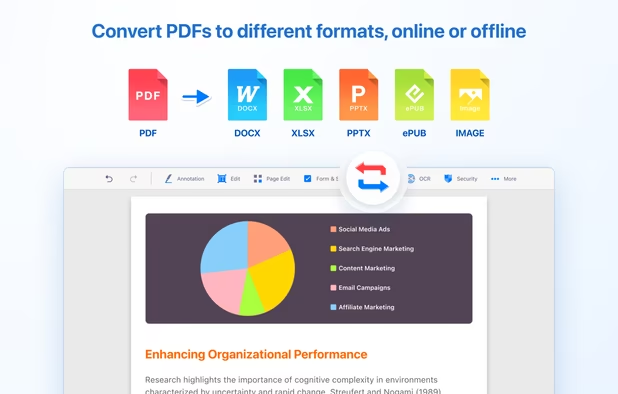
Provides editing of text, images, and objects in PDFs, annotation options, OCR for scanned files, conversion to multiple formats, form filling and signing, page management, merging and splitting, cloud integration, camera to PDF functionality, and sharing tools.


Besides exceptionally fast launching and displaying speed, Gaaiho Reader is reliable in printing, filling forms annotating documents and adding bookmarks.


Professional PDF tools without the cloud. 100% offline, native performance, and zero data collection. Your documents stay where they belong: on your device.


Cloud PDF toolkit provides over 20 tools for editing, conversion, OCR, merge, split, annotation, batch processing, and signatures, with free online access, cross-platform usability, no watermarks, no size limits, and options for mobile and desktop integration.


PDF Conversion Tool allows you to easily and quickly convert almost any file into PDF format and back. Easily converts PDF file to Microsoft Word format and to almost any images format. As a bonus, it also provides the ability to protect, remove the password and compress almost...


Revolutionize PDFs for free! Try PDFPro: advanced editing, annotating, converting, signing. Premium tools, cloud support, secure.


No need to pay subscriptions for complicated tools, PDF Extractor is one of easier and most simple tools to edit your PDF file. With this simple tool you can extract all of the text from your PDF. You can also combine the texts from several different PDF files without the need...


 Taiwan
 India
India
 China
China


 Hong Kong SAR China
 Canada
