



EmailTo.AI
EmailTo.AI is an AI Assistant accessible anywhere, anytime, from any device via Send@EmailTo.AI. It is powered by the latest GPT model and other advanced technologies. This AI helps write creative texts and email responses, summarize email threads, set notifications, and more.
Cost / License
- Free
- Proprietary
 EU
EUPlatforms
- Online

EmailTo.AI
Features
- Reminders
- Email reminder
- File conversion
 ChatGPT integration
Tags
- ChatGPT
- file-converter
- email-management
EmailTo.AI News & Activities
Recent activities
EmailTo.AI information
Developed by
 WEBSHEET sp. z o.o.
 Licensing
Proprietary and Free product.Alternatives
0 alternatives listedSupported Languages
- English
- Spanish
- German
- Belarusian
- Russian
- Ukrainian
- Polish
- Portuguese
What is EmailTo.AI?
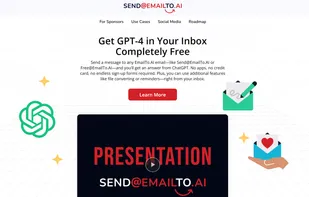
You can send a message to any EmailTo.AI address, like Send@EmailTo.AI or Free@EmailTo.AI, and receive a response from ChatGPT. No need for apps, credit cards, or lengthy sign-up processes. Additionally, you can convert files or set reminders directly from your inbox.
Rest assured, EmailTo.AI utilizes the latest GPT model to ensure accurate responses. Although it's ad-supported with a few small ads in the responses, it is completely free to use, making it a reliable and cost-effective tool.
Discover EmailTo.AI's versatility. It's not just an AI; it's an intelligent assistant. It can remember entire email threads, summarize conversations, offer reminders, and provide contextually relevant answers. Need assistance with a specific message? Simply ask the AI to summarize it, draft a reply, highlight key points, or explain it more straightforwardly.
Easily handle attachments. Convert files from one format to another, such as turning a .docx into a .pdf or a PNG image into a JPG. You can also unzip or zip files directly within your email.
Ask it to remind you about important dates like meetings or birthdays and set up recurring reminders for things like hitting the gym every Tuesday or paying rent on the 27th of each month. If you’re into sports, receive reminders about your favorite teams' games so you never miss out.