



Device Mockup
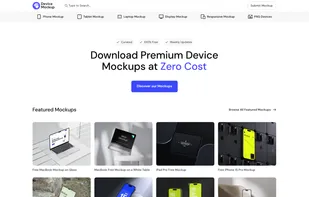
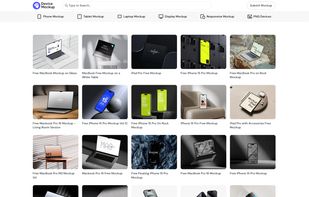
Device Mockup is a comprehensive library offering free, high-quality mockups for designers and marketers. It features a variety of mockups for devices such as Phones, Laptops, Tablets, and Android Devices, including MacBooks, iPhones, iPads, iMacs, and Studio Displays.
Cost / License
- Free
- Proprietary
Platforms
- Online

Device Mockup
Features
Tags
- productivity
- Screen Mockups
- designer
- startups
- Mockups
Device Mockup News & Activities
Recent activities
Device Mockup information
What is Device Mockup?
Device Mockup is a comprehensive library offering free, high-quality mockups for designers and marketers. It features a variety of mockups for devices such as Phones, Laptops, Tablets, and Android Devices, including MacBooks, iPhones, iPads, iMacs, and Studio Displays. The platform allows users to showcase their designs realistically, enhancing presentations, portfolios, and marketing materials.
The key features of Device Mockup include an extensive collection of mockup templates, high-resolution graphics, easy customization with smart objects, and free access with premium options available. It also offers regular updates, ensuring a steady flow of quality mockups for all budgets. The benefits of using the platform include professional presentations, time-saving visuals, versatile options for any project, and cost-effectiveness.
To use Device Mockup, users need to browse the mockup library, download and open the file in a compatible application, insert their design using smart object layers, custom