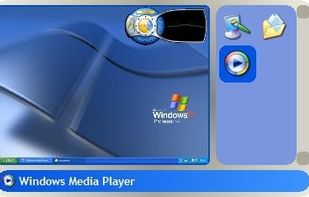
Revolutionize your operating system with WindowFX. Utilize an unprecedented number of special effects for your windows and maximize your computing experience.
Cost / License
- Paid
- Proprietary
Platforms
- Windows
 United States
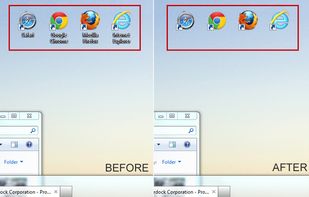


Compiz is not available for Windows but there are some alternatives that runs on Windows with similar functionality. The best Windows alternative is WindowFX. It's not free, so if you're looking for a free alternative, you could try Nimi Visuals or Shock 4Way 3D. If that doesn't suit you, our users have ranked more than 25 alternatives to Compiz and eight of them are available for Windows so hopefully you can find a suitable replacement. Other interesting Windows alternatives to Compiz are CubeDesktop NXT, SMBAct, VistaSwitcher and Winflip.
Revolutionize your operating system with WindowFX. Utilize an unprecedented number of special effects for your windows and maximize your computing experience.
United States
CubeDesktop NXT provides you up to 16 workspaces, each with its own wallpaper and set of icons, allowing you to quickly and easily switch between them using a live and interactive 3D environment.
 Spain
Spain EU
EU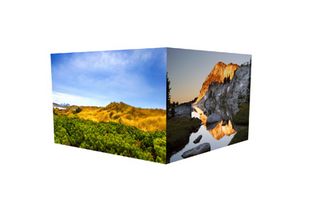
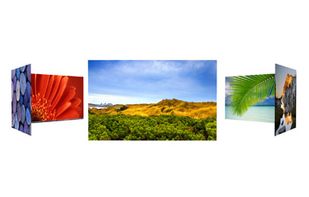




Adds eye-candy effects to windows (and start menu) like deformations (e.g: jelly windows - that makes moved window wiggle like being made from jelly; or fold - which hides windows by folding up horizontally, and unfolds when showing), physics (e.g.
 PortugalEU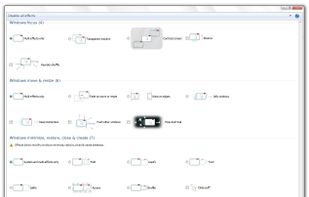


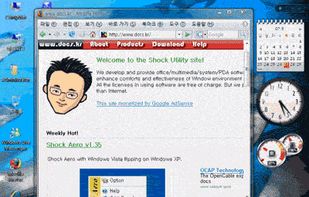
General purpose of this program is to use 4 simulating screens simultaneously. To switch into each screen, select one of 4 screens or use shortcut key.


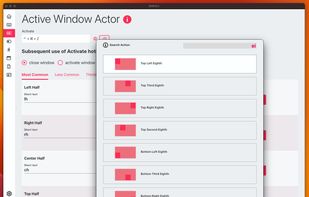
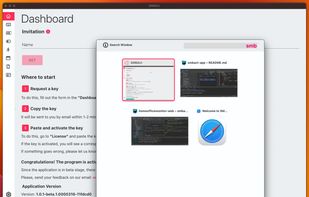
SMBAct is the all-in-one cross-platform solution that allows you to keep your windows and applications well-organized and significantly simplify the process of interaction with them.
United States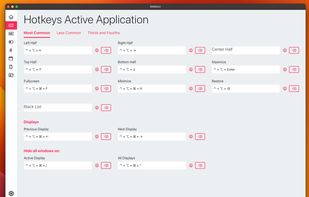


VistaSwitcher is an elegant and powerful task management utility for Windows OS. Once installed, it replaces the default Windows Alt-Tab dialog with a nice box that shows a list of all running tasks, with their names and preview snapshots, and enables the user to take actions on...
 Russia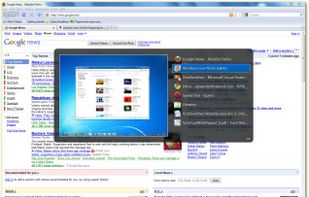


WinFlip emulates Windows Vistas "Flip 3D" effect for Windows XP. Using the hotkey of your choice, you can find the window youre looking for in a fast, clean 3D interface.
 Japan
Japan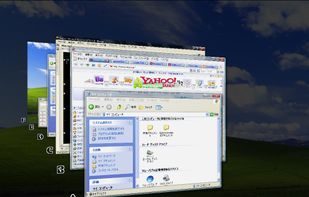


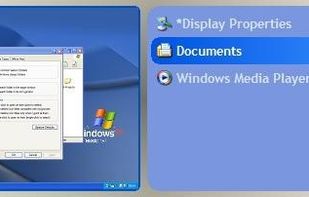
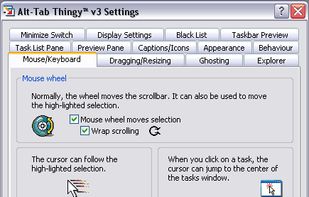
If you are not familiar with the Alt-Tab task switcher in Windows, its a keyboard short-cut (hot-key) to enable fast switching between applications/windows. This feature has been in Windows since Windows 3.0 and is largely unchanged since Windows 95!