Cost / License
- Free
- Proprietary
Application type
Platforms
- Online
 United States



+1
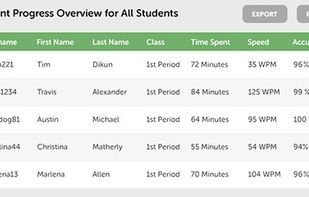


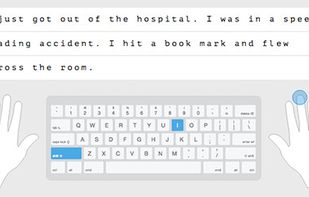
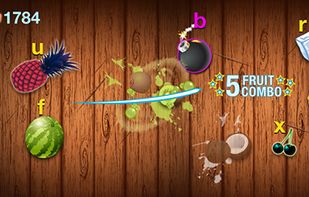
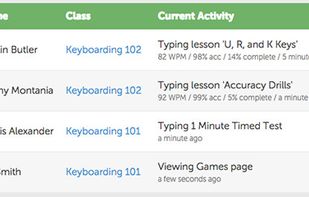
Apps similar to ClickClack include Monkeytype, which is free and open source. Other options are Klavaro, keybr, Keypunch and TypingGym. You're spoiled for choice with Typing Tutors like ClickClack: we list more than 50 alternatives for the web, Windows, Mac, Linux and Android.
United States
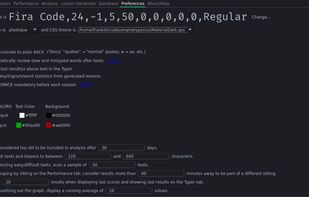
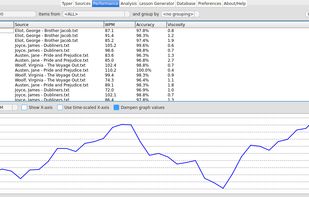
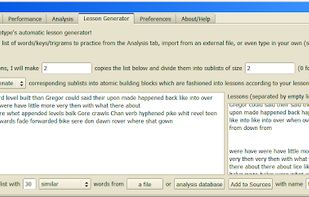
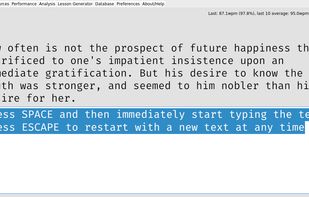
Amphetype is a layout-agnostic typing program aimed at people who don't need an on-screen keyboard, but would still like to improve their speed and accuracy.


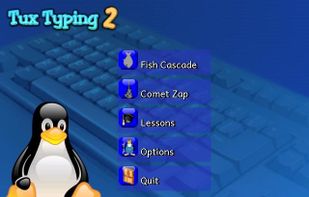
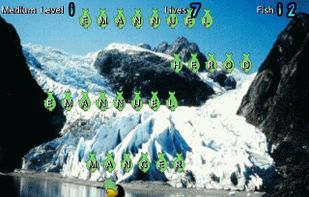
Tux Typing is a free and open source typing tutor created especially for children. It features several different types of game play, at a variety of difficulty levels. It is designed to be fun and educational.


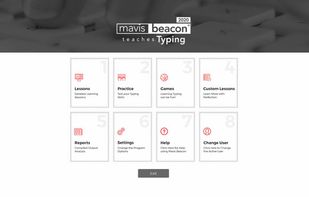
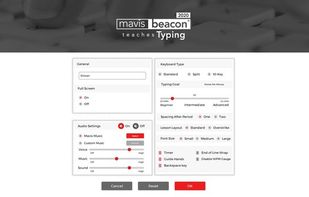
Mastering typing has never been easier than with the all new edition of Mavis Beacon Teaches Typing Powered by UltraKey . The award winning software program provides the most efficient way to learn and master typing fundamentals.
United States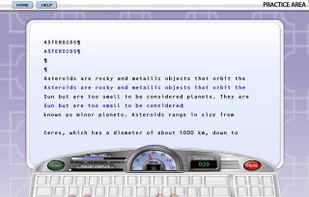



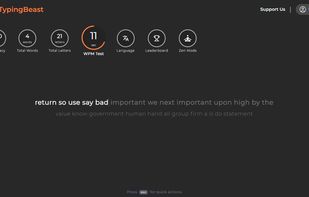
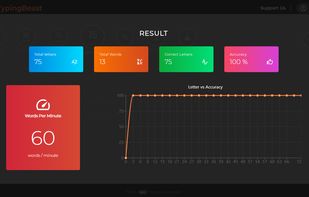
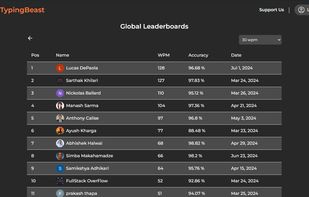
TypingBeast is an online customizable typing practice, typing zen, and typing test site that helps you improve your typing skills with analytics and progress tracker integrated inside the website. It is free to use and caters to wide range of users from kids and beginners to...


Improve your typing skills through a series of easy lessons! Learning how to type properly without looking at the keyboard is simple. Rapid Typing Tutor makes keyboard training fun and entertaining.
 Russia
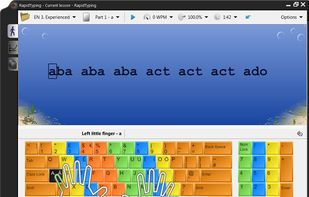
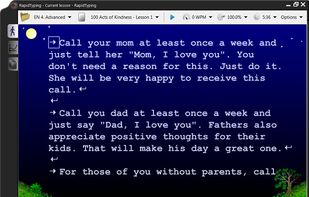
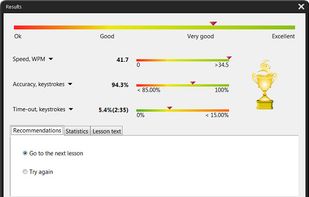


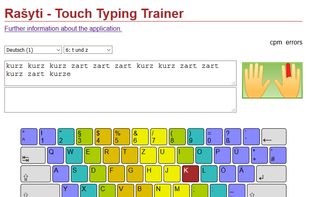
Rašyti is a multilingual and multi-keyboard touch typing trainer, currently covering 28 languages. Offline applications for Linux, Windows and MacOS are available. However, it can also be used online as a web service.
 Germany
 EU
EU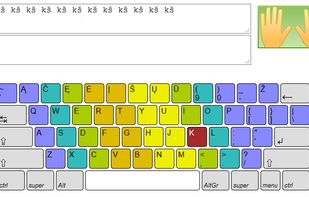


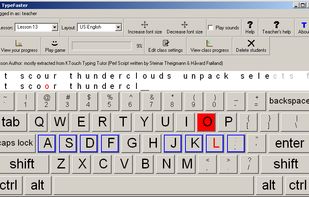
TypeFaster is a free typing tutor teaches you how to touch-type. Once you can touch-type you will not need to look at the keyboard to find the letters you want to type.


Typing.io is a typing tutor for programmers. Practice typing the hard-to-reach symbols in code.
United States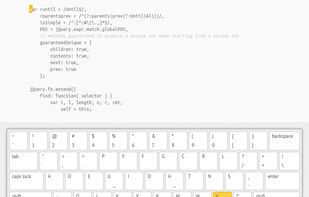


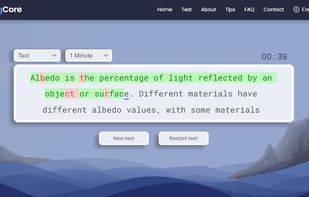
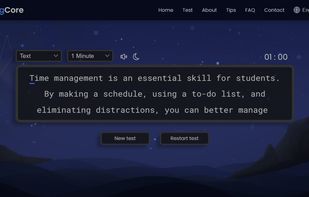
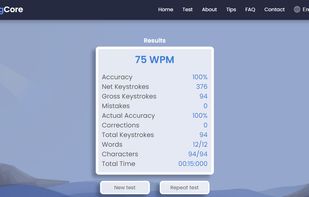
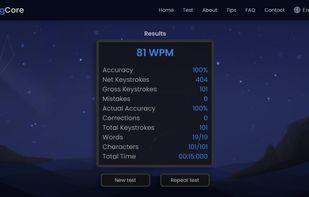
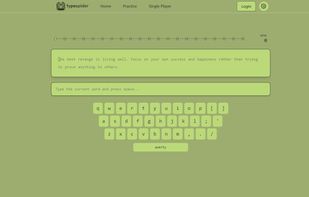
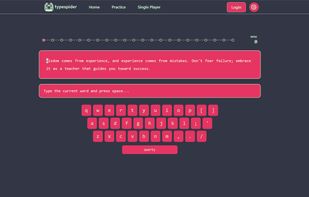
TypeSpider is a web-based typing practice tool that helps users improve their typing speed and accuracy. It features a clean and distraction-free interface that works smoothly on both desktop and mobile devices.
 Canada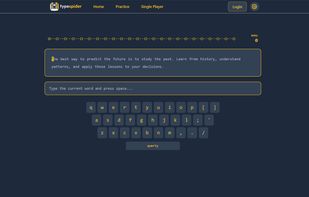


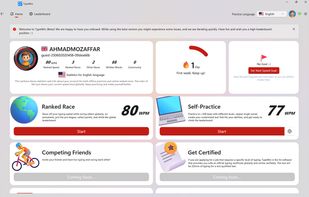
Windows typing app that turns touch typing into an exciting challenge, blending learning, racing, and typing tests in a sleek, high-performance package. Compete in fast-paced online typing races, practice offline to master your skills, and track detailed WPM and accuracy stats.


Provide a simple and clean environment for everyone to practice their typing skills online for free.