Cost / License
- Paid
- Proprietary
Platforms
- Online



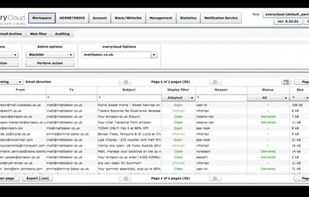
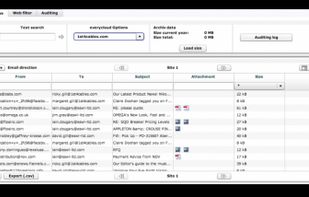
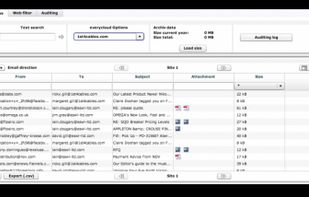
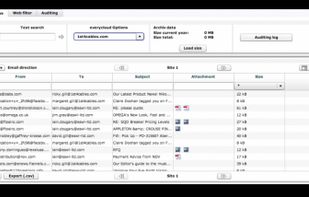
CleanEmail is described as 'Online service that empowers you to take control of your mailbox. It relies on powerful rules and filters you can define to efficiently segment your mailbox into relevant groups, allowing you to quickly identify useful and clean up useless emails with a few' and is an app in the office & productivity category. There are more than 25 alternatives to CleanEmail for a variety of platforms, including Web-based, Google Chrome, SaaS, iPhone and iPad apps. The best CleanEmail alternative is InboxPurge, which is free. Other great apps like CleanEmail are lockrMail, SaneBox, Unroll.me and Gmail Unsubscribe.


Cleanfox is the most practical and ecological app to automatically delete from polluting newsletters. With Cleanfox, not only do you clean your mailbox, but you also reduce your carbon footprint.


Tired of being bothered by the Gmail storage limit? It's frustrating not knowing which emails can be safely deleted. We are here to help you. We identify the emails worth deleting, giving you the freedom to clear up space with just few clicks.


The Swizzle helps you quickly and easily unsubscribe from newsletters, mailing lists and other unwanted email.

Throttle is a smart browser extension that generates unique email addresses for everything you use online, so you can control who sends you email and when.


Lighten your email load: Unsubscriber for Gmail allows you to easily unsubscribe from mailing lists and newsletters, just by swiping!.


My Blend helps you clean up your email inbox, and it transforms your newsletters, promotions & blogs into a beautiful magazine. Unsubscribe instantly from unwanted emails, discover new brands & view your subscription emails in a whole new visual way.


Paperweight scans your inbox to map your digital footprint, then helps you take back control and delete your data. Local-first and open source.


Never reveal your email address again. Mask your email address with unlimited forwarding addresses. Fight inbox clutter with scheduled future emails.


Control when you receive emails by creating custom aliases. Batch messages into daily, weekly or monthly digests.
Mail Sweeper works by labeling unimportant emails in your inbox based on your simple preference, and periodically sweeping them into the trash can. That's it, it's really that simple.