



Buzzer
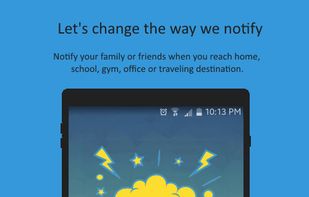
Buzzer allows you to send automatic notification to your loved ones when you reach home, school, gym, office or any destinations.
Cost / License
- Free
- Proprietary
Platforms
- Android
- Android Tablet



Buzzer
Features
- GPS Location Tracking
- GPS Navigation
- Notifications
- Location-based
Tags
- Android Applications
- Friends
- geolocation
- gps-location
Buzzer News & Activities
Recent activities
Buzzer information
What is Buzzer?
Buzzer allows you to send automatic notification to your loved ones when you reach home, school, gym, office or any destinations. It is simple and easy to use. Just take 2 simple step.
- Select place.
- Choose your loved ones and done. Buzzer App automatically notify to your selected contacts, when you reach a place.
• Simple and easy to use. • Swipe and send. • Mark daily visiting places as repeat. So every time Buzzer App will notify your loved ones. • Send direct buzz to your favorite contacts also. • Use shortcuts to send direct buzz with just one tap. • Save battery life with 'Power Saving Mode' option. • Choose place precision as per your use from street (200m), town or village (1km) and city or district (10km). • Enrich your app experience by personalising your buzz sound.
Enjoy Buzzing!
Note: Please turn off the location service when you are not traveling.
