


Button Mapper: Remap your keys
Button Mapper makes it easy to remap custom actions to your volume buttons and other hardware buttons. Remap buttons to launch any app, shortcut or custom action with a single, double press or long press.


Features
- Key Mapping
Button Mapper: Remap your keys News & Activities
Recent activities
 Fla added Button Mapper: Remap your keys as alternative to Mantis Gamepad Pro

Button Mapper: Remap your keys information
Developed by
flar2Licensing
Proprietary and Free Personal product.Pricing
One time purchase (perpetual license) ranging between $2 and $18.Alternatives
4 alternatives listedSupported Languages
- English


Featured in Lists
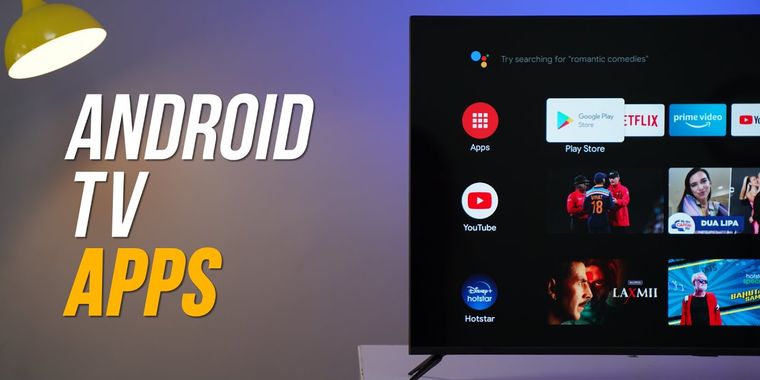
If you are on Android TV here is some apps to upgrade to a better experience, from launcher to stores, tools from …
What is Button Mapper: Remap your keys?
Button Mapper makes it easy to remap custom actions to your volume buttons and other hardware buttons. Remap buttons to launch any app, shortcut or custom action with a single, double press or long press.
Button Mapper can remap most physical or capacitive keys and buttons, such as volume buttons, some assist buttons, and capacitive home, back and recent apps keys. Button Mapper can also remap buttons on many gamepads, remotes and other peripheral devices.
Root is not required for most actions, however some require an adb command from a connected PC if not rooted. Button Mapper does not work when the screen is off unless your device is rooted or you run an adb command.
A few examples of remapping you can do with Button Mapper: -long press to toggle your flashlight -remap your TV remote control -press to broadcast custom intents, scripts or commands -long press to open camera and take a photo -double tap to launch your favorite app or shortcut -double tap to open your notifications -swap your back and recent apps keys (capacitive buttons only!) -use your volume buttons to adjust screen brightness -long press to toggle "do not disturb" mode -and much more
Additional features unlocked in the pro version: -Simulate keycodes (requires adb command or root) -Swap volume keys on orientation change -Default to ring volume on Pie or later -Pocket detection -Themes -Change back and recents buttons -Customization of haptic feedback (vibration) on button press and long press
Actions that can be mapped to buttons or keys: -Launch any app or shortcut -Disable the button -Broadcast intents (PRO) -Run scripts (PRO) -Camera shutter -Turn screen off -Toggle flashlight -Quick settings -Show notifications -Power dialog -Take screenshot -Music: previous/next track and play/pause -Adjust volume or mute -Last app switch -Toggle do not disturb -Adjust brightness -Now on tap (root) -Menu button (root) -Choose custom keycode (root and PRO) -Root command (root and PRO) -Toggle WiFi -Toggle Bluetooth -Toggle rotation -Clear notifications -Split screen -Scroll up/down (root) -And many more...
Buttons supported: -Physical home, back and recent apps/menu buttons -Volume up -Volume down -Most camera buttons -Many headset buttons -Custom buttons: add other buttons (active, mute, etc) on your phone, headphones, gamepads, TV remote and other peripheral devices
Additional options: -change the long press or double tap duration -delay initial button press for better double tap operation -disable Button Mapper while using specific apps -plus many more customizations
