


BlockyTime
Track time without Start/Stop.
Cost / License
- Free
- Proprietary
Platforms
- iPhone
- iPad

Features
Tags
BlockyTime News & Activities
Recent activities
BlockyTime information
Developed by
Ni AnLicensing
Proprietary and Free product.Alternatives
1 alternatives listedSupported Languages
- English
- Japanese
- Korean
- Chinese

What is BlockyTime?
BlockyTime, A simple time logger no need to tap Start/Stop.
App Store Featured of 2016 in China & HongKong
Top 10 Productivity apps in China
Everybody has his own demand on tracking time, but most people can't persist on it for long time because the traditional time-tracking App is way too professional, and it costs too much energy to use a stopwatch.
BlockyTime is very different from traditional time-tracking App, it never needs to tap "Start/Stop". Months of research of users experience made us to work out a better tracking method which is more suitable for people's thinking. No worries to forget to start or stop stopwatch, just take a few seconds in leisure time, like playing game, select, tap, a whole day is tracked.
When tracking time no longer has pressure but becomes relaxing, it solves the persistence problem easily. Even people don't has huge perseverance can be good at time management.
[Features]
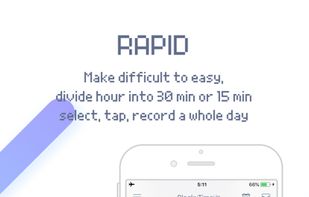
• Super easy and rapid method to track time spending on every event
• Custom classification of event
Not only by event type (eg. work, rest), but also by specific details (eg. Game, music), also by priorities (such as four quadrants)
• Unique link of event and object, analyze event from different angle
• Comment, record details of event like writing a diary
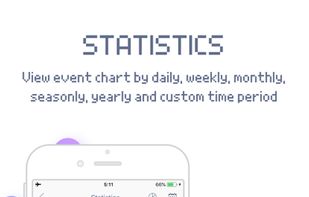
• Statistics, analyze time occupation by pie or bar chart
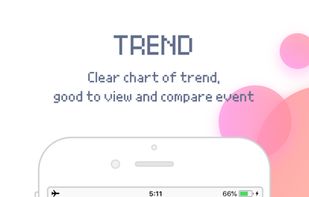
• Trend, check and compare events time spending in line chart by day or month
• Goal, such as reach 10000h in 5 years on drawing
• Backup data to iCloud or computer, never lose it
• Selected color themes, and colorblind mode is added
[Suitable for]
• Students
Track time spending on subjects, analyze it and make a better study plan
• Researchers
Track time spending on research, analyze and make a more efficient research plan
• Managers
Who have many projects to do and needs to know time spending on every project
• People with part-time jobs
Track time on every work and analyze earnings
