





BirdFont is described as 'This free font editor allows creation of vector graphics and exports TTF, OTF, EOT, and SVG fonts, providing multiple formats for your designs' and is a Font Editor in the os & utilities category. There are more than 10 alternatives to BirdFont for a variety of platforms, including Mac, Windows, Web-based, Linux and iPad apps. The best BirdFont alternative is FontForge, which is both free and Open Source. Other great apps like BirdFont are Coki Fonts, MkFont, FontCreator and Glyphr Studio.

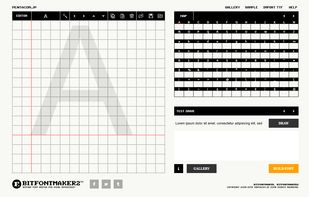
A browser-based font editor, font creator, featuring the most versatile real-time multiple glyphs editing system. Open beta.


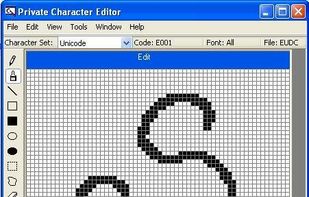
(Windows built-in) Using Private Character Editor (PCE), you can create up to 6,400 unique characters (such as special letters and logos) for use in your font library. PCE contains basic tools for creating and editing characters, along with more advanced options.




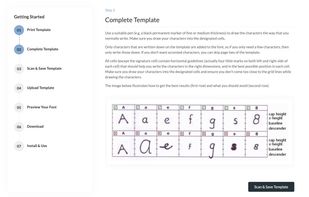
YourFonts is an online font generator that turns your handwriting into a font that you can use in every program that you own. 250,000+ fonts already made!



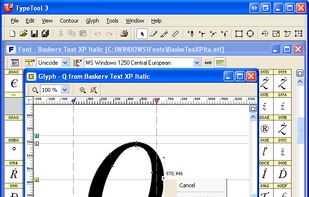
TypeTool is our basic font editor for Mac OS and for Windows. For students, hobby typographers and creative professionals who occasionally need to create or customize fonts.


Need to generate your own font? Our font creators make your handwriting as your font. You can use our font generators and create your own font online.


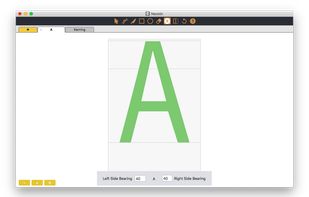


RoboFont is a UFO based, mac only, font editor.
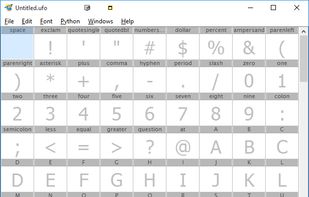
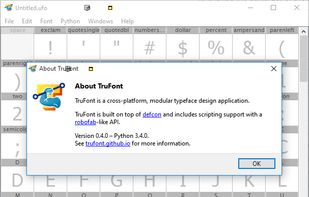
Written from scratch in Python with scalability in mind. The editor allows full scripting access to objects and interface. The application is a platform for drawing and modifying typefaces and much more.


A custom font goes a long way, giving you that special extra. Simply select, customise and off you go with a font you love.
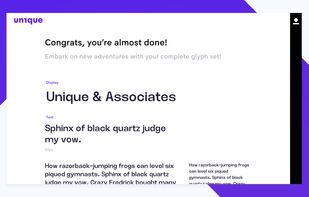





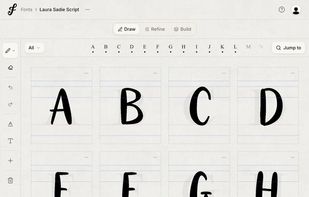
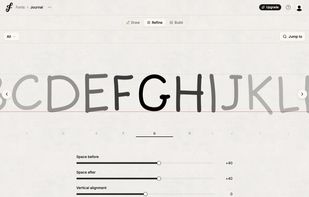
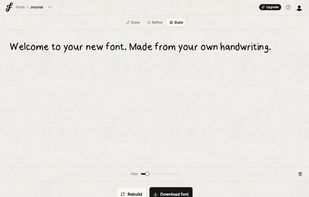
FontCraft is a browser-based app that lets you turn your handwriting into a real font by drawing letters directly in the app or uploading a handwritten template. It works especially well on iPad with Apple Pencil and exports fonts as TTF, OTF, or WOFF2.


 Israel


 United States


 Netherlands
 EU
EU


 United Kingdom


