


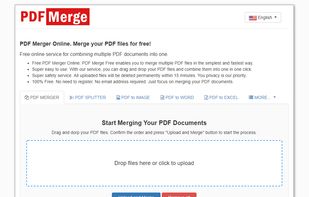
PDFMergeFree.com provides the best online service for users to combine PDF files. No registration, installation and email address required. It is free and safe to join your PDF files online.
Cost / License
- Free
- Proprietary
Platforms
- Online


AwesomePDF is described as 'Free PDF tools in one place. Convert PDFs to and from multiple file formats, remove pages, merge PDFs, unlock password protected PDFs and more' and is an website in the office & productivity category. There are more than 25 alternatives to AwesomePDF, not only websites but also apps for a variety of platforms, including Windows, Mac, SaaS and Android apps. The best AwesomePDF alternative is BentoPDF, which is both free and Open Source. Other great sites and apps similar to AwesomePDF are Adobe Acrobat DC, Sejda, Smallpdf and KDAN PDF.
PDFMergeFree.com provides the best online service for users to combine PDF files. No registration, installation and email address required. It is free and safe to join your PDF files online.

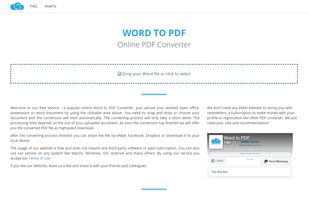
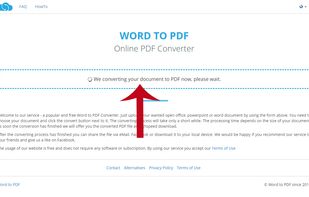
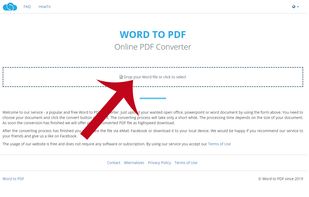
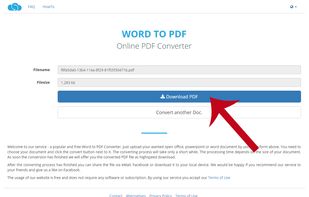
The most popular word to PDF converter. Convert documents from format .doc, .docx, .ppt, .pptx and .odt online to PDF. Easy, fast and free.

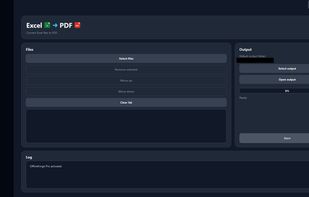
OfflineForge is a privacy-focused Windows application for converting and managing documents entirely on your own computer. It converts Excel, Word, and PowerPoint files to PDF without uploading them to a cloud service, making it especially suitable for sensitive business...
 Germany
 EU
EU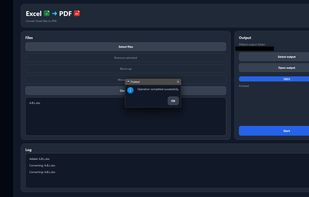


Free Combine PDF 4dots - Combine PDF documents easily - Supports command line usages - Merge PDF documents with a right Click - Add entire folders.
 GreeceEU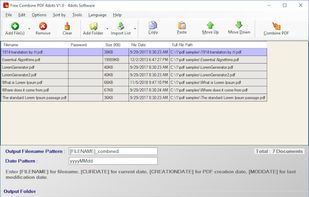


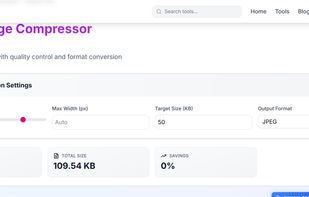
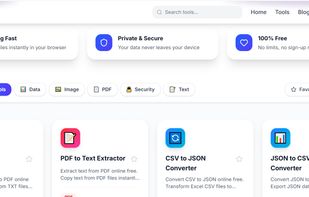
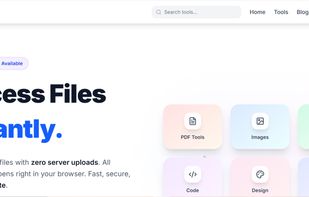
Free browser-based tools for PDF, image & data processing. 100% client-side - your files never leave your device. No limits, no watermarks.
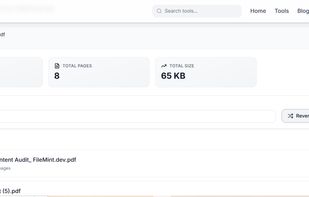


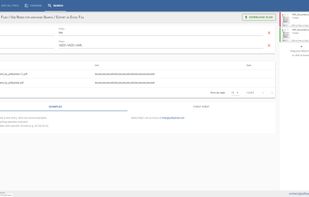
Split or merge PDF documents. Reorder or remove pages. Compare PDF documents. Advanced PDF extraction (e.g. get all invoice numbers of many PDF documents at once. Everything easy with PDF Panda!.



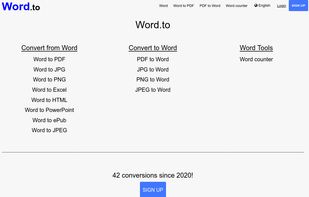
Word.to lets you convert Word to PDF online free, Word to JPG, Word to PNG, PDF to Word, it also has a Word Counter, and much more.


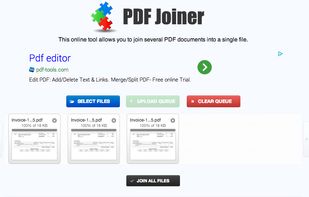
This online tool allows you to join several PDF documents into a single file, free of charge. Just upload PDF documents you want to merge together, reorder them with drag-and-drop (if you need) and click 'Join all Files' button.


Geekersoft is Free PDF to Word Online, All you need to do is open the link URL, drag the Word document onto the page, and start converting. it can be successfully converted on your Mac computer, Windows computer, tablet computer or mobile phone.


PassportPDF is a modern cloud infrastructure offering freemium microservices dedicated to addressing document management challenges of professional and general public users, with many productivity-oriented solutions: compression, conversion, OCR, content protection, digital...


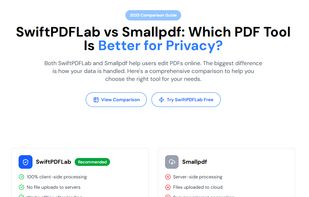
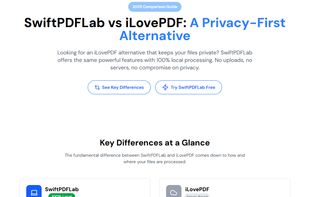
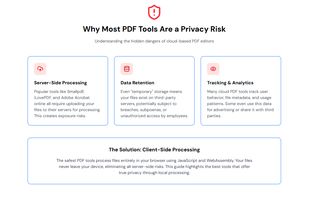
SwiftPDFLab is a modern, privacy-first PDF toolkit designed for users who want to work with PDF files without uploading them to external servers.
 United States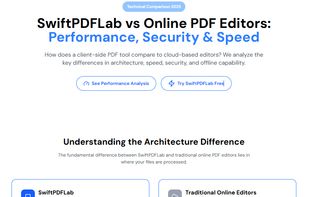


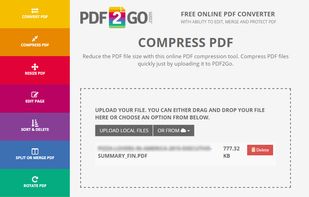
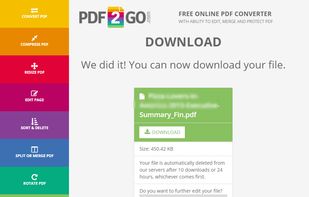
Edit PDF files online and convert, compress, merge, split, rotate, sort or protect them in the cloud. All for free, all uploaded files will be automatically deleted after 24 hours and no restrictions in use. Service is multilingual.
GermanyEU


 France


