All-In-One Gestures AlternativesMouse Gestures Tools and other similar apps like All-In-One Gestures

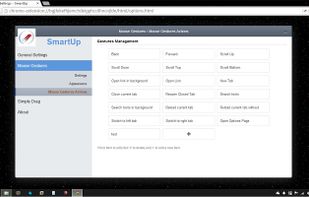
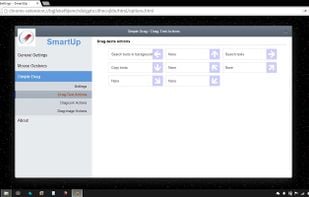
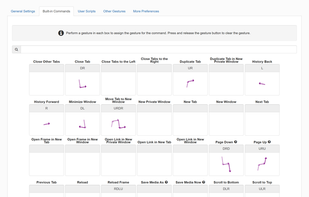
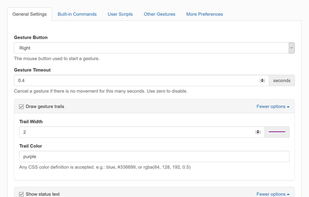
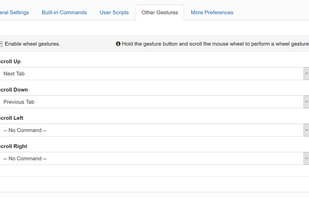
All-In-One Gestures is described as 'This extension allows you to execute common commands using mouse gestures, rocker navigation, scroll wheel navigation and page scrolling' and is a Mouse Gestures tool in the web browsers category. There are more than 10 alternatives to All-In-One Gestures for a variety of platforms, including Mozilla Firefox, Google Chrome, Mac, Windows and Linux apps. The best All-In-One Gestures alternative is Gesturefy, which is both free and Open Source. Other great apps like All-In-One Gestures are NaviTouch, TabBack, Two-Finger History Jump and Rocker Gestures.

Copy a direct link to this comment to your clipboard
All-In-One Gestures alternatives page was last updated

Alternatives list

  1. Gesturefy icon
     13 likes
    Copy a direct link to this comment to your clipboard

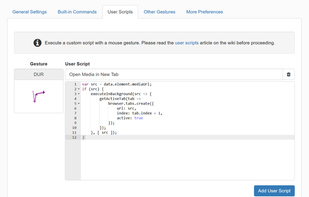
    Customizable mouse gesture addon, which supports over 40 different actions.

    Features:

    Mouse gestures (Move mouse while holding the left, middle, or right button) Rocker gestures (Left-click with holding right-click and vice versa) Wheel gestures (Scroll wheel while.

    18 Gesturefy alternatives

    Cost / License

    • Free
    • Open Source

    Application type

    Platforms

    • Mac
    • Windows
    • Linux
    • Firefox
     
    • Gesturefy is the most popular Windows, Mac & Linux alternative to All-In-One Gestures.

    • Gesturefy is the most popular Open Source & free alternative to All-In-One Gestures.

    • Gesturefy is Free and Open SourceAll-In-One Gestures is also Free and Open Source
    • Gesturefy is CustomizableAll-In-One Gestures is not according to our users
  2. NaviTouch icon
     1 like
    Copy a direct link to this comment to your clipboard

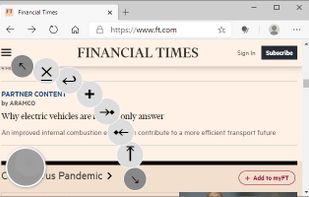
    Shows a floating button which you can use to navigate the current webpage and tabs.

    Cost / License

    • Free
    • Proprietary

    Platforms

    • Google Chrome
     
  3. TabBack icon
     Like
    Copy a direct link to this comment to your clipboard

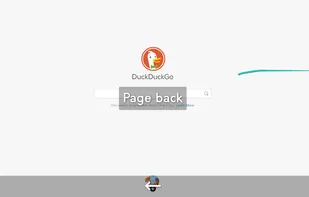
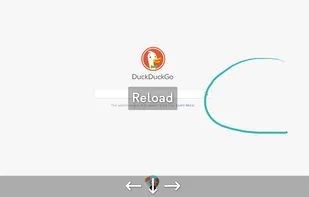
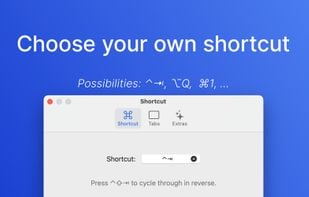
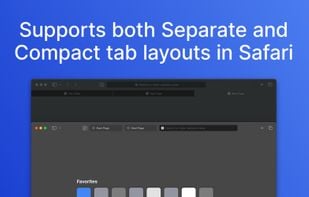
    Switch between Safari tabs seamlessly—even during loading—with intuitive key-bindings and privacy-centric design.

    Cost / License

    • Pay once
    • Proprietary

    Platforms

    • Mac
    • Safari
     
    • TabBack is the most popular commercial alternative to All-In-One Gestures.

    • TabBack is Paid and ProprietaryAll-In-One Gestures is Free and Open Source
  4. Copy a direct link to this comment to your clipboard

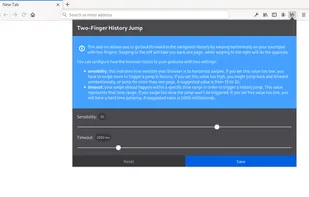
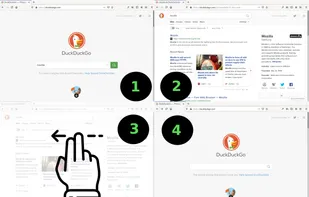
    This add-on allows you to jump back/forward in the browser's history by swiping horizontally with two fingers on your touchpad.

    Cost / License

    • Free
    • Open Source

    Platforms

    • Firefox
     
  5. Copy a direct link to this comment to your clipboard

    Allows you to navigate back and forward with your mouse button clicks (right + left = back). This feature is known from Opera browser.

    Cost / License

    • Free
    • Proprietary

    Application type

    Platforms

    • Microsoft Edge
    • Google Chrome
    • Opera
    • Brave
    • Firefox
     
  6. Copy a direct link to this comment to your clipboard

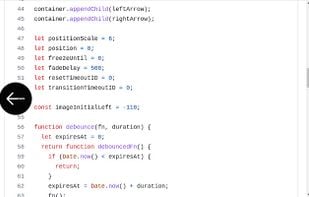
    Go back to previous page by swiping left with two fingers on a trackpad.

    Cost / License

    • Free
    • Open Source

    Platforms

    • Google Chrome
     
  7. Copy a direct link to this comment to your clipboard

    A web extension that allows you to jump back/forward in the browser's history by swiping horizontally with two fingers on your touchpad.

    Cost / License

    • Free
    • Open Source

    Platforms

    • Firefox
     
  8. Copy a direct link to this comment to your clipboard

    A better gestures extension. Features include: mouse gestures, simple drag, super drag, rocker gestures and wheel gestures.

    Cost / License

    • Free
    • Open Source

    Application type

    Alerts

    • Discontinued

    Platforms

    • Mac
    • Windows
    • Linux
    • Google Chrome
    • Firefox
     
  9. Copy a direct link to this comment to your clipboard

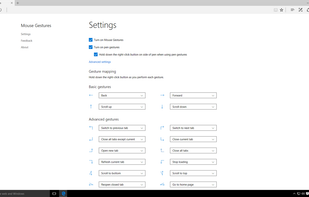
    An extension for Microsoft Edge that allows customers to perform basic browsing tasks by right-clicking and then gesturing with the mouse. For example, right-click and hold, then move the mouse down and to the right to close the current tab, or move the mouse right to left to go...

    Cost / License

    • Free
    • Proprietary

    Application type

    Platforms

    • Windows
    • Microsoft Edge
     
  10. Copy a direct link to this comment to your clipboard

    Emulate MacBook/Chromebooks (two finger) touchpad browser history navigation by abusing vertical scroll.

    Cost / License

    • Free
    • Open Source

    Application type

    Platforms

    • Google Chrome
     
12 of 13 All-In-One Gestures alternatives