


ACF Remote Sync
Set up a network of sites & migrate ACF field groups between them OR use a single site as a central repository for all your ACF field groups.
Cost / License
- Pay once
- Proprietary
Platforms
- Wordpress

ACF Remote Sync
Features
ACF Remote Sync News & Activities
Recent activities
ACF Remote Sync information
Developed by
 Hookturn Digital
 Licensing
Proprietary and Commercial product.Pricing
One time purchase (perpetual license) ranging between $49 and $79.Alternatives
0 alternatives listedSupported Languages
- English
GitHub repository
- 0 Stars
- 0 Forks
- 0 Open Issues
- Updated
What is ACF Remote Sync?
ACF Remote Sync is an extension for  Advanced Custom Fields that makes it quick & easy to migrate ACF field groups between websites without leaving the WordPress admin.
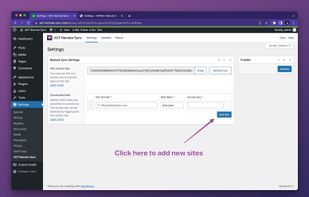
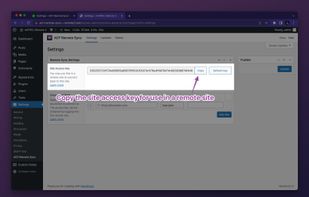
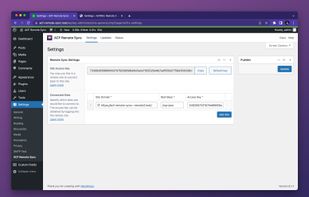
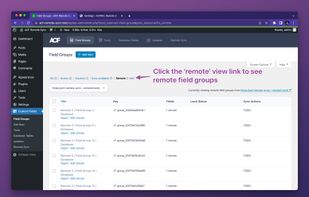
The plugin adds a new remote field group view with the option to switch between sites, view all the site's field groups & import desired field groups into the local database. ACF field groups can also be pushed from one site to another using quick links or bulk actions.
Everything is handled in the UI so there's no need to export & import field groups, move JSON files, or migrate databases. Simply find the group you want and in a few clicks, move it to where you want it.
Features & Benefits
- Easily push & pull field groups between sites using quick links below the field group title.
- Migrate in bulk using the bulk actions.
- Import PHP-registered field groups into the local database.
- Set up a central library site containing all your field groups & pull them into your current project as needed.
- Work on field groups locally & when ready, push the updated group to a live site.