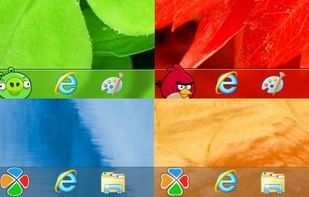
As for Taskbar++ with the software which operates on WindowsNT/2000/XP/2003, as for Taskbar++ it is the software which can replace the position of the button of the task bar freely.
Platforms
- Windows


Apps similar to 7+ Taskbar Tweaker include Windhawk, which is free and open source. Other options are Open Shell, StartIsBack, Winstep Nexus and TaskbarX. System Tweakers like 7+ Taskbar Tweaker are a crowded field, with more than 25 alternatives for Windows.
As for Taskbar++ with the software which operates on WindowsNT/2000/XP/2003, as for Taskbar++ it is the software which can replace the position of the button of the task bar freely.

Taskix is a free utility destined for those who keep many open windows at the same time. It allows you to reorder taskbar tabs with drag-and-drop, scroll through tabs with the mouse wheel, close tabs with middle-click, and more.
 Germany
 EU
EU


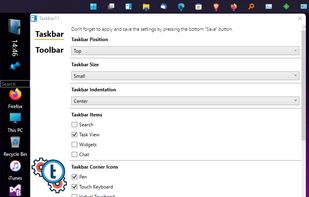
Taskbar11 customizes the look of the Windows 11 taskbar, which doesn't have any options by default. The taskbar can be set to the top or bottom (default) of the screen, it also allows for setting various icon sizes.


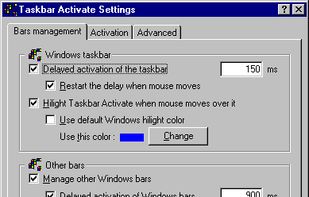
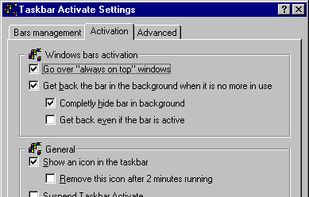
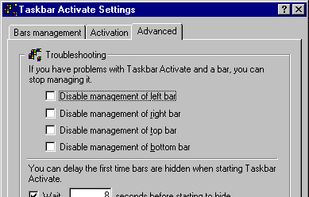


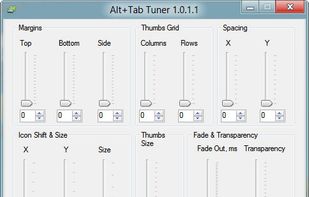


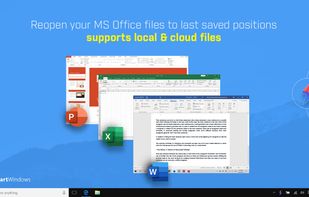
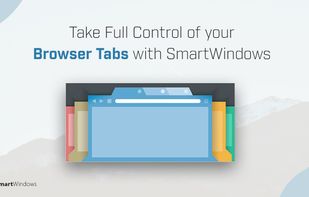
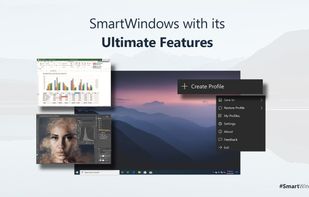
SmartWindows streamlines the way you work. It is perfect for professionals looking to optimize the overall work experience or switch between projects. You can save display preferences for applications with the help of a few clicks.
 Pakistan


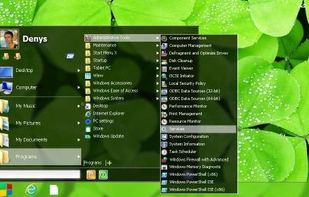
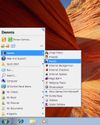
Classic Start Menu is considered as a perfect replacement to Windows 7 Start Menu. It helps you to find programs and folders many times faster. You always know where you put your things because folders expand when you hover over them.
 Ukraine


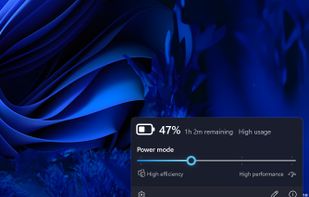
Upgrade system flyouts with Fluent design for detailed battery information, including percentage, time, full and real capacity, charge rate, and voltage, developed by FireCubeStudios.


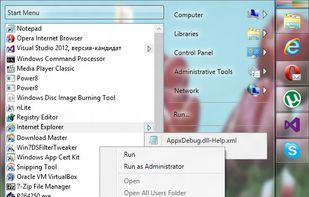
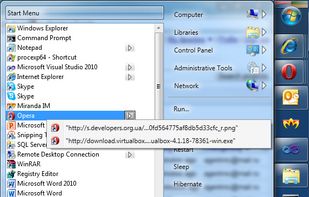


Start Menu 8 can help users who are not willing to change their behaviors and bring back the classic start menu. Users can enjoy a familiar start menu again with just one click while other styles are also available.
 China
China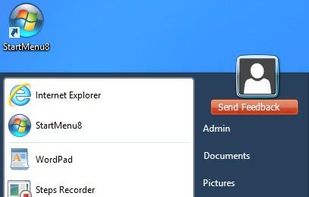


WinMetro is specially designed to bring the newly introduced Windows 8 Metro UI to Windows 7, Windows Vista and Windows XP. It offers an easy solution for old version Windows users to try and enjoy the tile based Metro UI.
China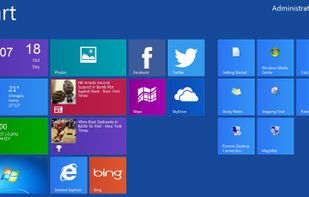


How to add a Start button to Windows 8? Just install Start Button 8! The package contains a Start button and a convenient Menu. A ready solution for those who like to keep everything under control.