Best tools for web development with Angular framework

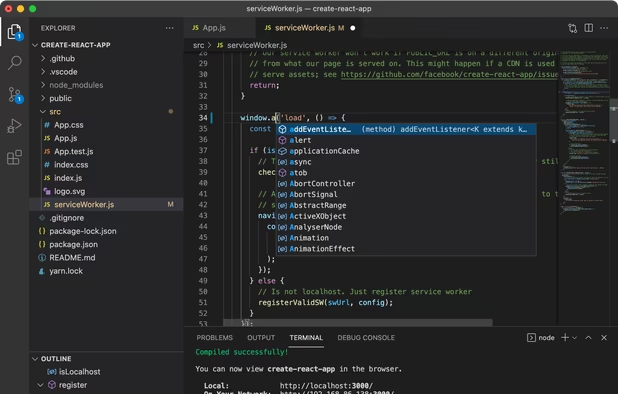
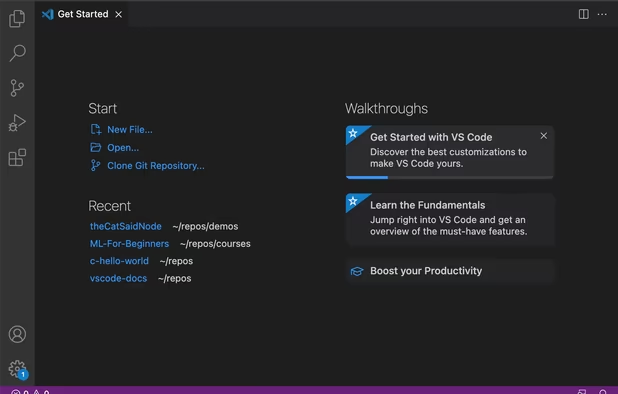
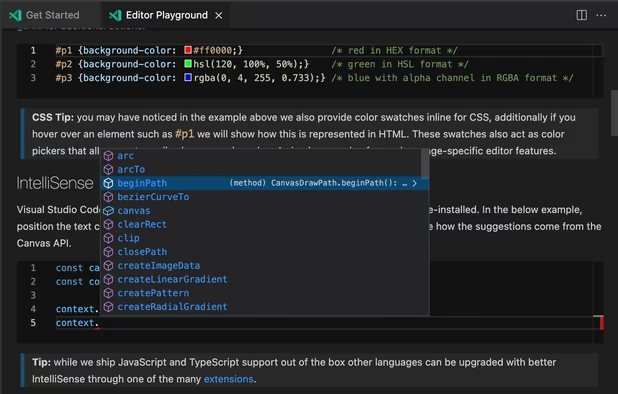
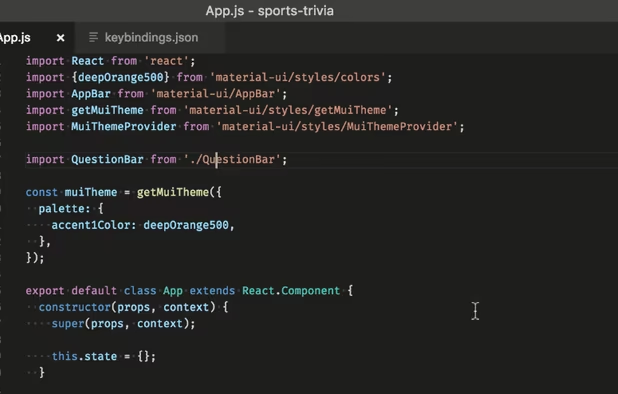
This is a list of the best tools for web development and testing with Angular JS. I use Visual Studio Code to develop and Blisk to test applications made with Angular JS.

What's great with Visual Studio Code for Angular: Works on all platforms, supports all languages, low-memory usage, easily customizable, installs Angular with a single line of code.

What's great with Blisk for Angular: Supports Windows, Mac, and Linux, has all needed devices to test: mobiles and tables (from iPhone to iPad), laptops with a responsive view, has Developer Tools same as in Chrome, easily customizable (dark color theme, portrait, and landscape orientation, real-size view), supports Angular on mobiles and tablets out of the box, allows testing touch events for Angular apps.

Angular Material by Google is a great official UI framework that implements material design into existing Angular apps with ease.

Andrew Malrowe
Andrew MalroweList by Andrew Malrowe, last updated 
Copy a direct link to this comment to your clipboard
  1. Free, extensible code editor with Git integration, AI-driven IntelliCode, and 30,000+ extensions, supporting various languages like Python, Java.

    Cost / License

    • Free
    • Proprietary

    Application types

    Platforms

    • Mac
    • Windows
    • Linux
    • Online
    • Chrome OS
    • Snapcraft
    Visual Studio Code screenshot 1
    Visual Studio Code screenshot 1
    Visual Studio Code screenshot 2
    +2
    Visual Studio Code screenshot 3
  2. Blisk icon
     Like

    Blisk is a browser for web developers, QA engineers, and web designers with built-in mobiles, tablets, laptops, and desktops. It provides teams and freelancers with a workspace to develop and test modern web applications twice faster.

    You can use devices standalone or multiple simultaneously (up to 8 devices), mix them regardless of type and OS. When multiple, devices follow each by URL and scroll position. With built-in Page Auto-refresh, Blisk refreshes the web pages across all opened devices automatically with an option of CSS live reload.

    In Blisk, you can use multiple Developer Tools for each device independently, making it easy to debug, fix issues, and perform multiple tests. Blisk constantly monitors for page errors across all opened devices and notifies the user when the issue appears.

    Blisk offers different capturing options: you can record a video of a screen, take screenshots, upload assets to personal secure cloud storage and share the assets with your team.

    You can customize the application to fit your needs. Users are able to control device preview size (e.g. scaled / smart-scaled / real size), simulate custom Internet networks (e.g. 2G, 3G), disable device cache, use dark mode, etc.

    What you can do with devices:

    • Develop & test for mobile and desktop simultaneously
    • Test touch support for web applications on mobile
    • Create reactive single-page applications for mobile and desktopSimulate medium or slow Internet connection
    • Preview devices in real size, scaled or smart-scaled size
    • Use both portrait & landscape orientation on mobiles
    • Test dark color theme by enabling dark modeTrack page errors & warnings on each device
    • Debug and measure performance with DevToolsCreate, save, and reuse custom device sets and settings
    • Test emails on mobile and desktop in Gmail, Outlook, etc.
    • Monitor the website's rank on Google search results for mobile.

    Cost / License

    • Freemium
    • Proprietary

    Application types

    Platforms

    • Mac
    • Windows
    • Linux
    Multi-device set in Blisk v.14 and later
    Device Manager in Blisk v.14 and later
    iPhone SE 2020 and Chrome-like desktop view in Blisk v.14 and later
    +3
    Mobiles in Blisk v.14
  3. Angular icon
     Like

    Angular is a development platform for building mobile and desktop web applications using TypeScript/JavaScript and other languages.

    Cost / License

    • Free
    • Open Source

    Application type

    Platforms

    • Mac
    • Windows
    • Linux
    • BSD
    • Self-Hosted
    • JavaScript
    • Typescript
    Angular screenshot 1
  4. UI component infrastructure and Material Design components for mobile and desktop Angular web applications.

    Cost / License

    • Free
    • Open Source

    Application type

    Platforms

    • AngularJS
    • Self-Hosted
    Angular Material screenshot 1
    Angular Material screenshot 1
  5. Jasmine icon
     Like

    Jasmine is an open source testing framework for JavaScript. It aims to run on any JavaScript-enabled platform, to not intrude on the application nor the IDE, and to have easy-to-read syntax.

    Cost / License

    • Free
    • Open Source

    Platforms

    • Mac
    • Windows
    • Linux
No comments so far, maybe you want to be first?
Gu