

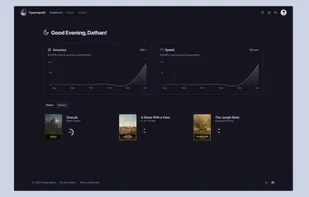
Monkeytype is a minimalistic typing test, featuring many test modes, an account system to save your typing speed history and user configurable features like themes, a smooth caret and more.
 United Kingdom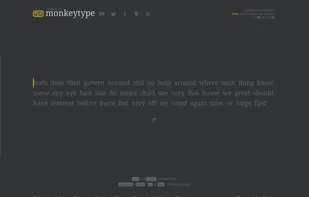


Monkeytype is a minimalistic typing test, featuring many test modes, an account system to save your typing speed history and user configurable features like themes, a smooth caret and more.

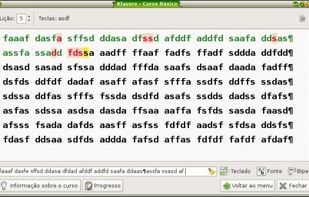
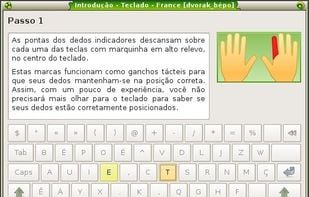
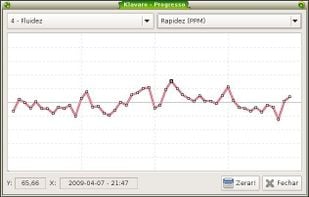
Klavaro is a simple tutor to teach correct typing, almost independently of language and very flexible regarding to new or unknown keyboard layouts.


Keypunch lets you practice typing. Thanks to fast-paced sessions with instant feedback afterwards and a plethora of available languages, you might even have a little fun doing so. With determination, proper technique and some time, you will observe a noticeable increase in both...
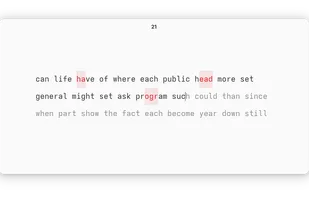
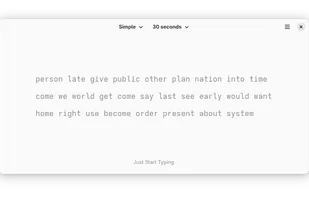
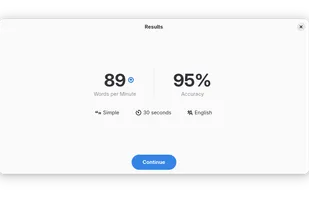
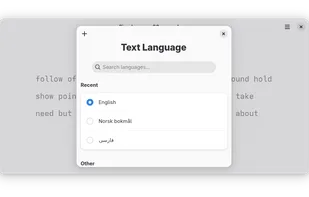


Become a keyboard ninja! Simple and stress-free typing tutor will help you type faster and with fewer errors.
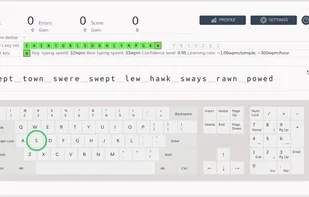
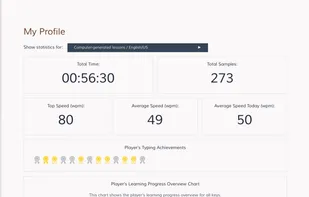
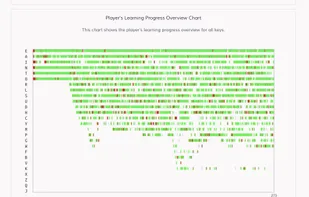
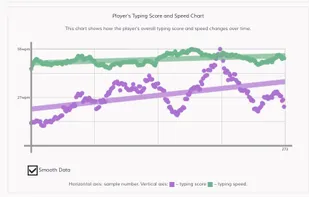

Boost your typing speed with a distraction-free and clean UI. Customize your typing style. Upgrade to Pro for extra challenges, stats & unlimited custom text.
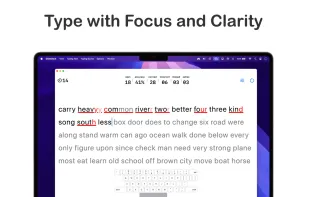
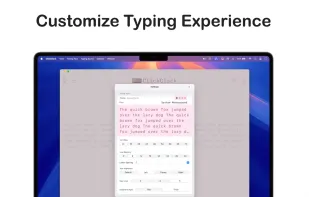
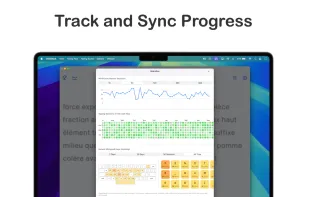
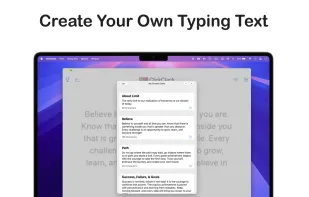

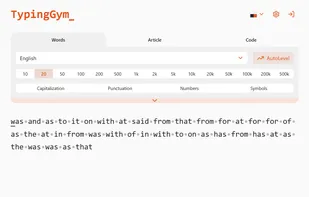
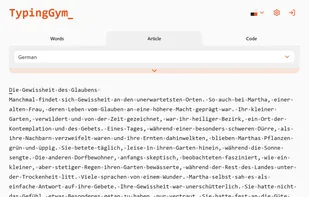
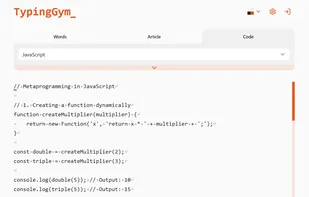
Boost your typing skills with TypingGim - practice with words, articles, or code examples. The app adapts to your skill level and helps you improve speed and accuracy.

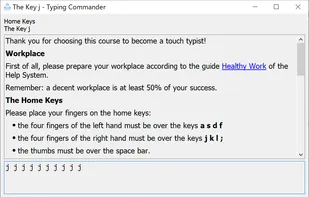
Learn touch typing with the full-scale touch typing course for the English US QWERTY keyboard.
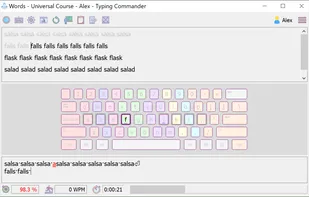
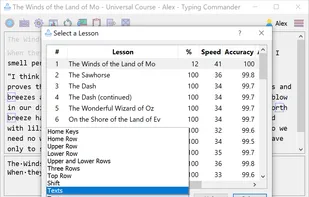
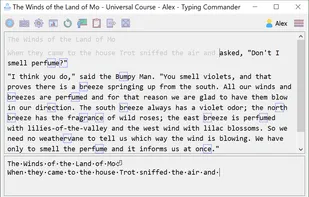

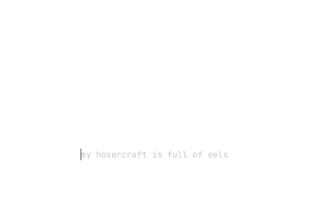

Improve productivity with real-word exercises and a smart algorithm that adapts to your progress, focusing on the most common letter pairs.
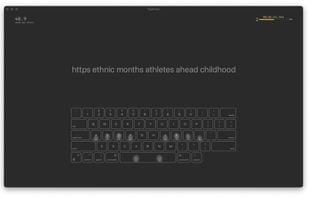
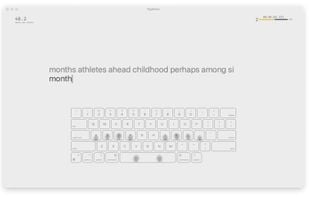

Professional typing tutor providing adaptive exercises, real-time feedback, touch-typing lessons, weak spot analysis, and detailed progress tracking.
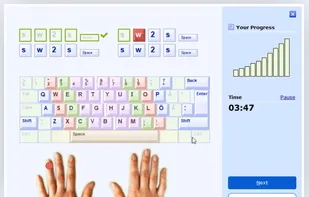
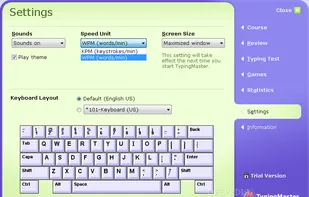

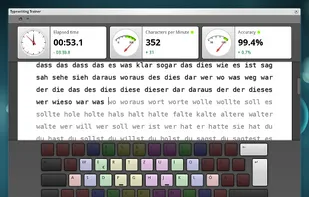

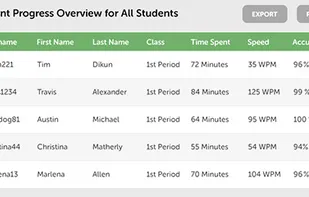

Amphetype is a layout-agnostic typing program aimed at people who don't need an on-screen keyboard, but would still like to improve their speed and accuracy.
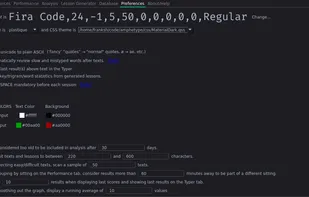
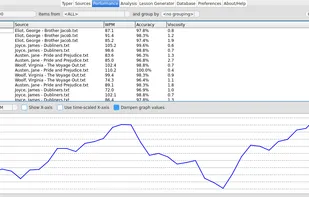
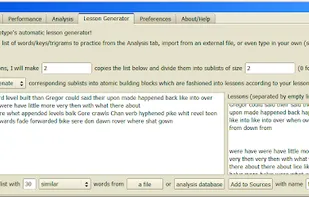
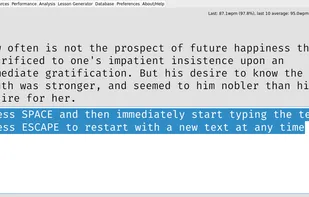

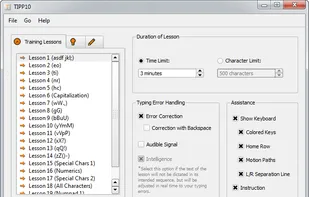
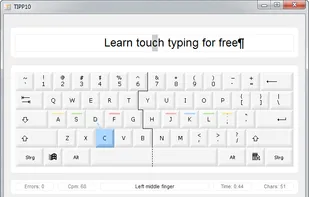
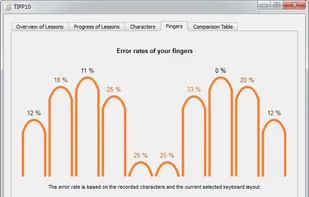
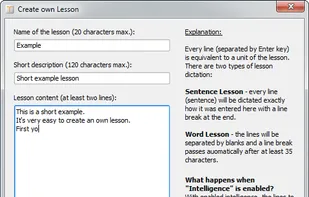
TIPP10 is a free touch typing tutor for Windows, Mac OS and Linux. The software is easy to use and features a clear user interface. Beginners and even children will find their way around right away so they can start practicing without a hitch.


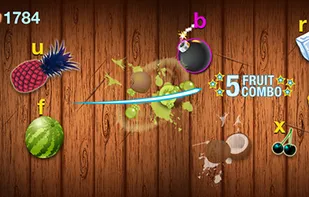
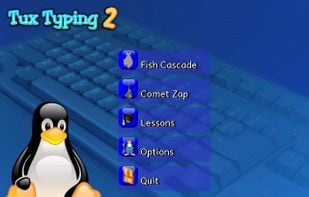
Tux Typing is a free and open source typing tutor created especially for children. It features several different types of game play, at a variety of difficulty levels. It is designed to be fun and educational.




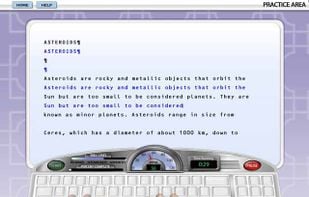
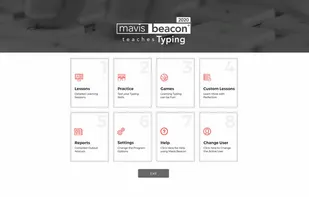
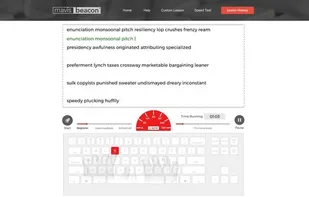
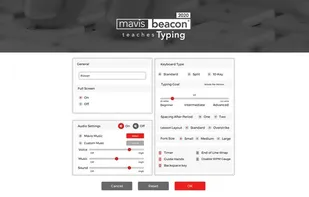
Mastering typing has never been easier than with the all new edition of Mavis Beacon Teaches Typing Powered by UltraKey . The award winning software program provides the most efficient way to learn and master typing fundamentals.

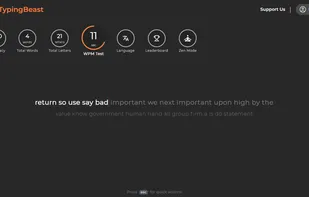
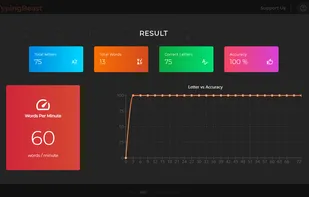
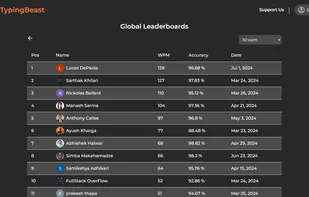
TypingBeast is an online customizable typing practice, typing zen, and typing test site that helps you improve your typing skills with analytics and progress tracker integrated inside the website. It is free to use and caters to wide range of users from kids and beginners to...

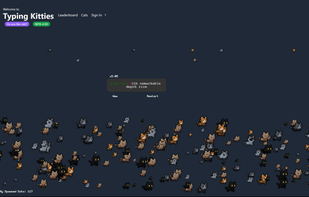
TypingKitties.com: Enhance your typing skills with fun, cat-themed practice! 🐱💻 Track your progress, challenge yourself, and enjoy a unique typing experience. Perfect for all ages and skill levels. Join the beta and give your feedback to help us improve!.


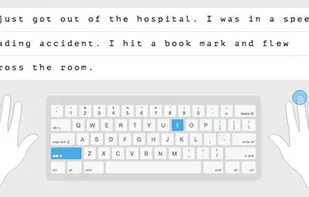
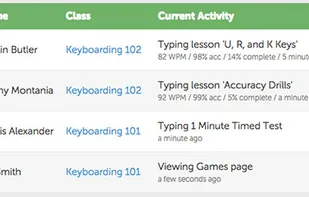
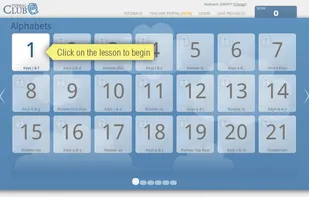
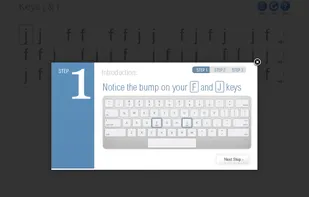
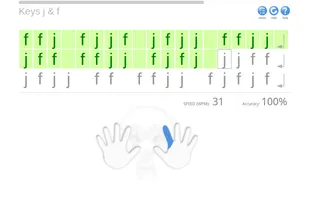
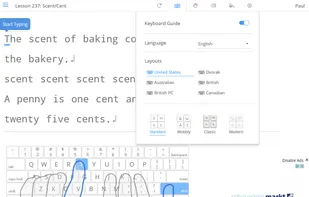
Typing Club is a free web-application aimed at teaching the basics of touch typing and further improving your keyboard skills. Multiple layouts available. Progress can be saved online via Facebook, or by signing up for a free account, so you can continue learning wherever you go.

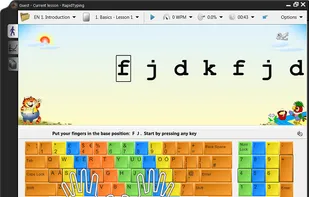
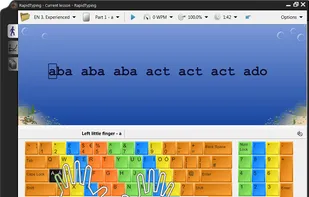
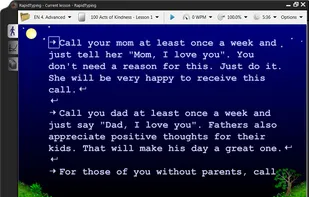
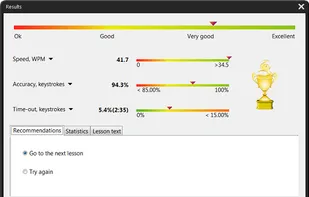
Improve your typing skills through a series of easy lessons! Learning how to type properly without looking at the keyboard is simple. Rapid Typing Tutor makes keyboard training fun and entertaining.

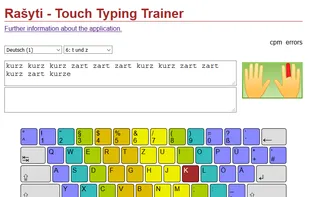
Rašyti is a multilingual and multi-keyboard touch typing trainer, currently covering 28 languages. Offline applications for Linux, Windows and MacOS are available. However, it can also be used online as a web service.
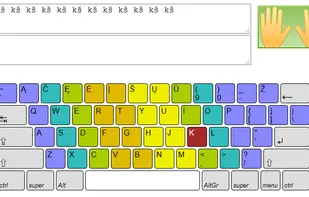

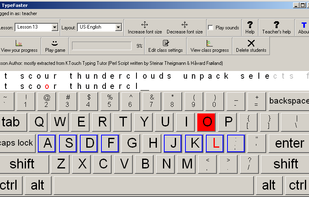
TypeFaster is a free typing tutor teaches you how to touch-type. Once you can touch-type you will not need to look at the keyboard to find the letters you want to type.

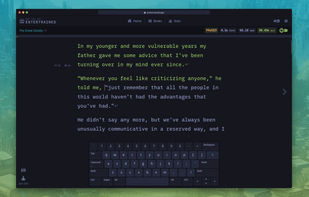
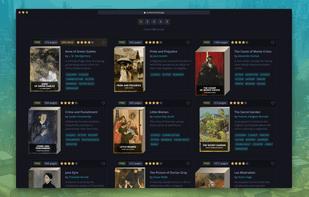
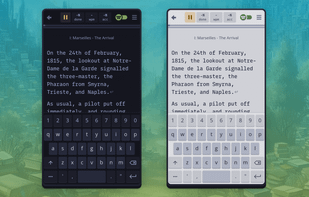
Entertrained is a unique platform that combines typing practice with the joy of reading. It offers a curated library of over 100 books, including classic public domain novels and modern works under Creative Commons licenses.
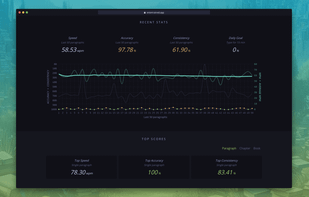

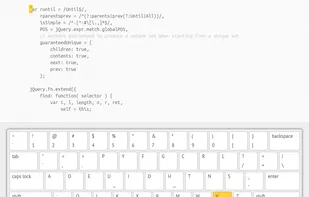
Typing.io is a typing tutor for programmers. Practice typing the hard-to-reach symbols in code.

 Brazil
 Norway

 Indonesia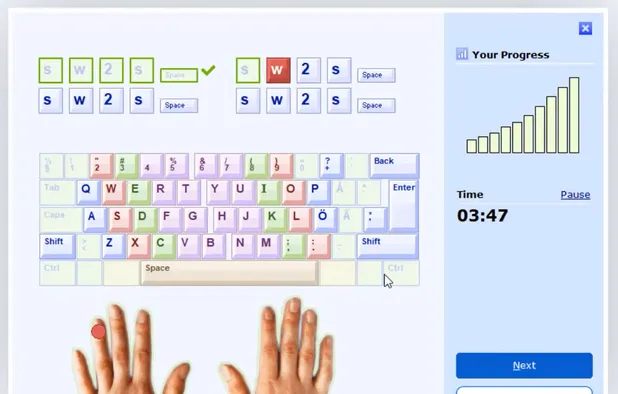


 Finland
 EU
EU
 Germany
 United States


 Russia


