


Optimize your desktop environment with this management tool offering window docking, snapping, multi-monitor support, and keyboard shortcuts for enhanced productivity.
 France
 EU
EU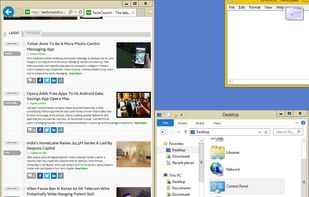



+9
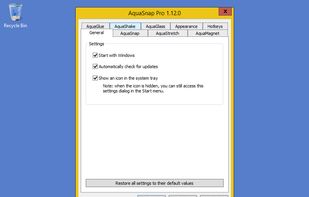


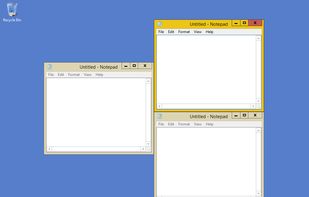
WinSplit Revolution is described as 'Small utility which allows you to easily organize your open windows by tiling, resizing and positioning them to make the best use of your desktop real estate' and is a popular Window Manager in the os & utilities category. There are more than 50 alternatives to WinSplit Revolution for a variety of platforms, including Windows, Mac, Linux, PortableApps.com and File Explorer apps. The best WinSplit Revolution alternative is BetterTouchTool. It's not free, so if you're looking for a free alternative, you could try AquaSnap or KWin. Other great apps like WinSplit Revolution are Moom, WindowGrid, HyperDock and Divvy.
Optimize your desktop environment with this management tool offering window docking, snapping, multi-monitor support, and keyboard shortcuts for enhanced productivity.

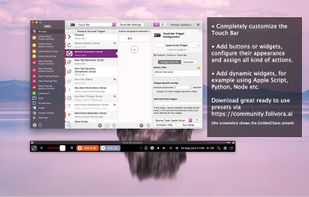
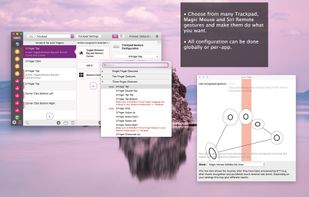
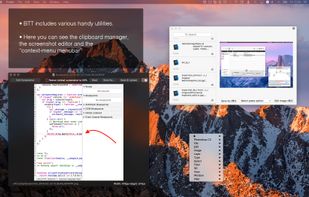
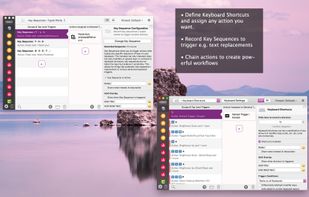
Customizes input devices on macOS by enabling gesture and button mapping, keyboard shortcut assignment, window snapping, automation, scripting, multi-device integration, and iOS app control. Features include touch bar, Apple Remote, and per-app profiles.


Moom makes window management as easy as clicking a mouse button—or using a keyboard shortcut, if you're one of those types of people.
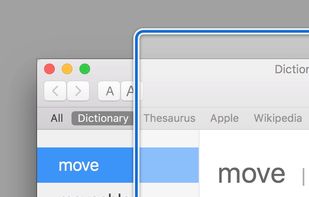
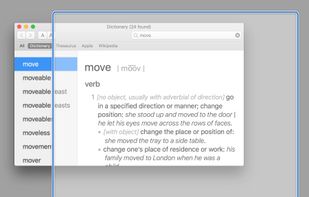
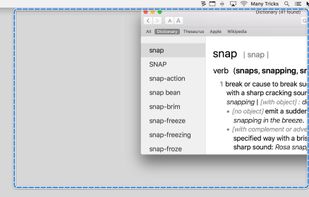
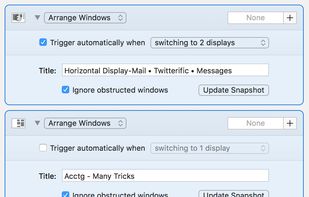



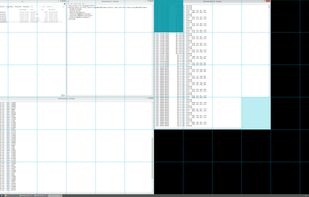
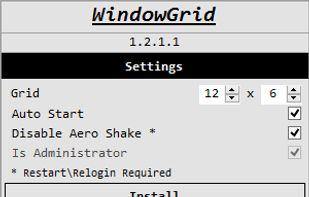
WindowGrid is a modern window management program that allows the user to quickly and easily layout their windows on a dynamic grid.
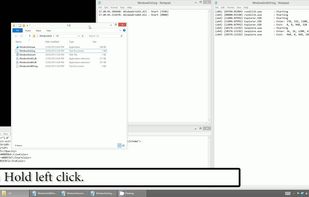


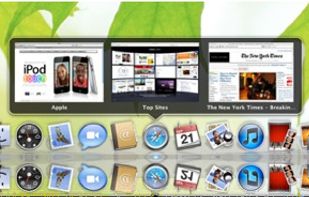
HyperDock adds Windows 7 like features and more to Mac OS X.
Select individual application windows & tabs just by moving the mouse on a dock item, use mouse clicks to quickly open new windows and many more."
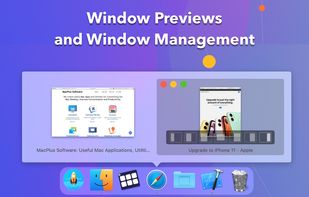
Window Previews Ever wondered how to activate a single wind.



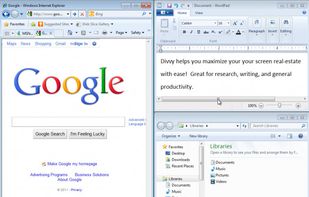
Divvy is an entirely new way of managing your workspace. It allows you to quickly and efficiently "divvy up" your screen into exact portions.

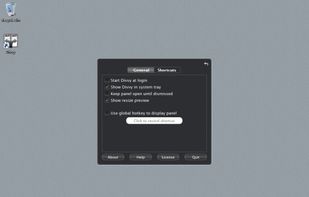
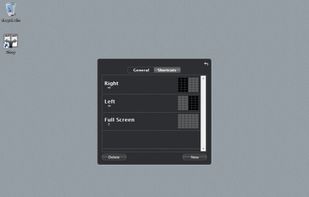


WindowSpace is a powerful desktop enhancement utility for large monitors, widescreens and multi-monitor systems. Once installed, it allows you to manipulate windows in many new amazing ways – snap windows to the screen edges and other windows, move and resize them with keyboard...

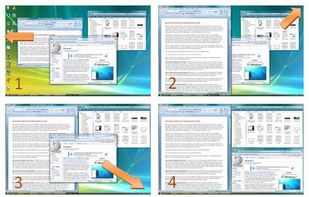


GridMove - A window management tool that can quickly arrange your windows into desktop grids.


SizeUp allows you to quickly position a window to fill exactly half the screen (splitscreen), a quarter of the screen (quadrant), full screen, or centered via the menu bar or configurable system-wide shortcuts (hotkeys).


AltDrag allows you to move and resize windows much easier. When you have it running you can simply hold down the Alt key and then use your mouse to drag any window, and it doesn't matter where in the window you click.
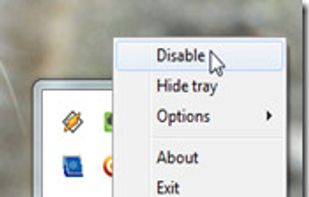
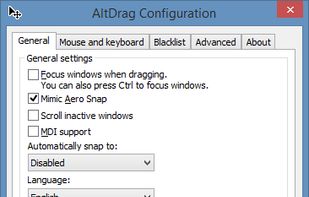

The last version (1.1) is from 2015.
Great flexibility as you can freely move and resize with ease as you do in Linux, but with many options (including snapping). Not an exact alternative, but a very nice approach to the problem.


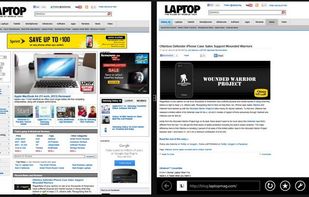


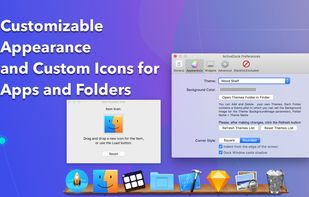
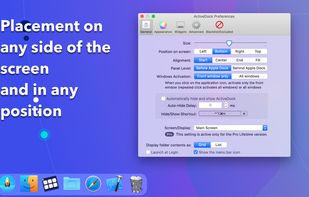
ActiveDock 2 is a customizable alternative to the standard macOS Dock, offering advanced features for app launching, window management, appearance customization, and more. It fully replaces the classic Apple Dock and Launchpad while preserving their familiar look and behavior...


 Germany


 Austria


 United States


 Russia


 Brazil


 Sweden


 Ukraine


Windows vs. Mac and Free vs. Pay