Free TextMate Alternatives for Mac

There are many alternatives to TextMate for Mac and since it's discontinued a lot of people are looking for a replacement. The best free Mac alternative is Visual Studio Code. If that doesn't suit you, our users have ranked more than 100 alternatives to TextMate and loads of them are free and available for Mac so hopefully you can find a suitable replacement. Other interesting free Mac alternatives to TextMate are Sublime Text, VSCodium, Vim and Zed Editor.

Copy a direct link to this comment to your clipboard
TextMate alternatives page was last updated

Alternatives list

  1. Visual Studio Code icon
     1452 likes

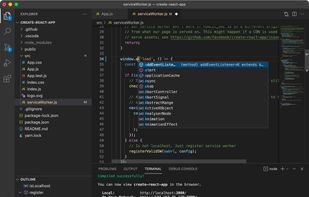
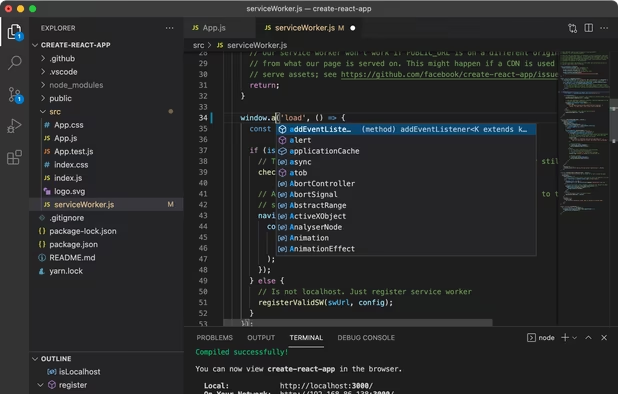
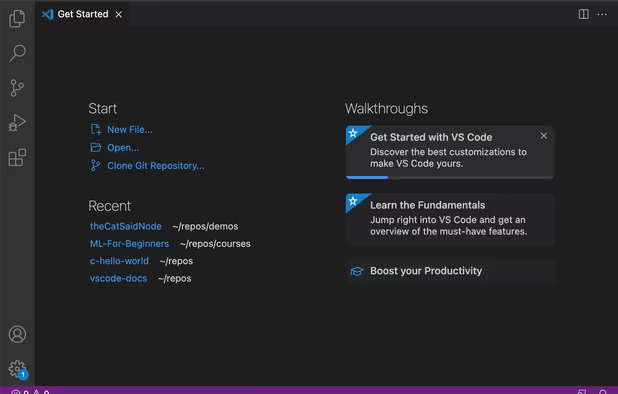
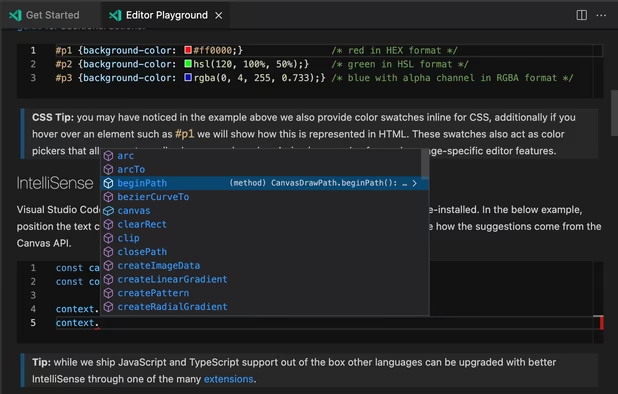
    Free and extensible code editor with built-in Git support, smart IntelliSense, integrated debugger, 30,000+ extensions, works offline, supports markdown and syntax highlighting for numerous languages.

    Cost / License

    • Free
    • Proprietary (MIT)

    Application types

    Platforms

    • Mac
    • Windows
    • Linux
    • Online
    • Chrome OS
    • Snapcraft
     
    |
    1
    Visual Studio Code vs TextMate Comments
    Goldmaster
    Negative
    0

    vs studio is an ide not a direct text editor such as notepad++ or textmate

    • Visual Studio Code is Free and ProprietaryTextMate is Free and Open Source
    • Visual Studio Code is CustomizableTextMate is not according to our users
  2. Sublime Text icon
     2073 likes

    Powerful editor blending code, markup, and prose editing with enhanced features like multi-tab selection, side-by-side definition viewing, and multiple selection tools for swift code navigation.

    Cost / License

    • Freemium
    • Proprietary

    Application types

    Platforms

    • Mac
    • Windows
    • Linux
    • Snapcraft
    • Flathub
    • Flatpak
     
    |
    2
    Sublime Text vs TextMate Comments
    Guest
    Positive
    0

    It support multi language and with a lot of feature with ton of package, it lightweight and fast

    Guest
    Positive
    0

    Sublime is a good alternative because you can still code like wow

    • Sublime Text is Freemium and ProprietaryTextMate is Free and Open Source
    • Sublime Text is CustomizableTextMate is not according to our users
  3. VSCodium icon
     446 likes

    This repository contains a build file to generate FLOSS release binaries of Microsoft's Visual Studio Code - Open Source ("Code - OSS") project, the open source core of the proprietary Visual Studio Code.

    Cost / License

    • Free
    • Open Source (MIT)

    Application types

    Platforms

    • Mac
    • Windows
    • Linux
    • Flathub
    • Electron
    • Snapcraft
    • Homebrew
    • Chocolatey
     
    |
    1
    VSCodium vs TextMate Comments
    EGiGoka
    Negative
    0

    It's a lightweight IDE, not a text editor, although can be used as one.

    • VSCodium is Free and Open SourceTextMate is also Free and Open Source
    • VSCodium is Customizable and Privacy focusedTextMate is not according to our users
  4. Vim icon
     1369 likes

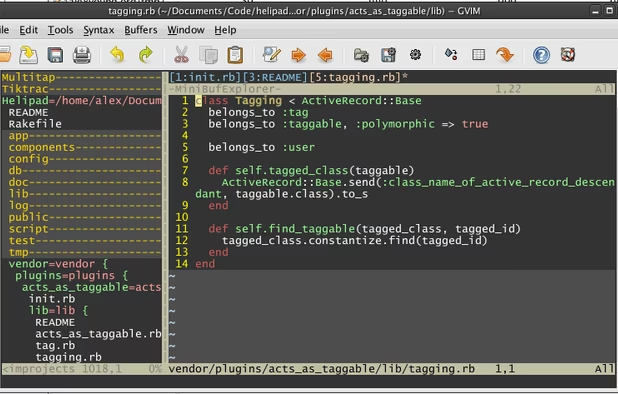
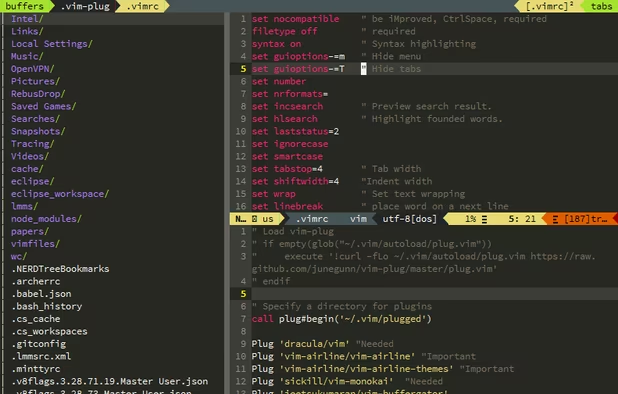
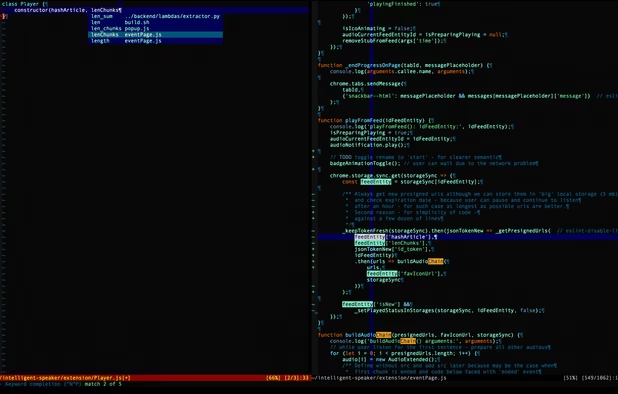
    Advanced text editor with syntax highlighting, word completion, multiple editing modes for efficiency, plugin and script extensibility, GUI and command-line operation, a thorough help system, and cross-platform support across various operating systems.

    Cost / License

    Application types

    Platforms

    • Mac
    • Windows
    • Linux
    • BSD
    • Snapcraft
    • Flathub
    • Haiku
    • Flatpak
    • AmigaOS
    • OpenSolaris
    • MorphOS
     
    |
    1
    Vim vs TextMate Comments
    EGiGoka
    Negative
    0

    It's CLI app, not an GUI one

    • Vim is Free and Open SourceTextMate is also Free and Open Source
    • Vim is CustomizableTextMate is not according to our users
  5. Zed Editor icon
     147 likes

    Blazing fast code editor offering real-time multi-user collaboration, language-aware syntax highlighting, integrated terminal, multi-buffers for tab-free editing, built-in Vim mode, searchable outline, AI coding assistance, advanced keyboard commands, and cross-platform support.

    Cost / License

    • Freemium
    • Open Source

    Application types

    Platforms

    • Mac
    • Windows
    • Linux
    • Flathub
    • Flatpak
     
  6. Eclipse icon
     1157 likes

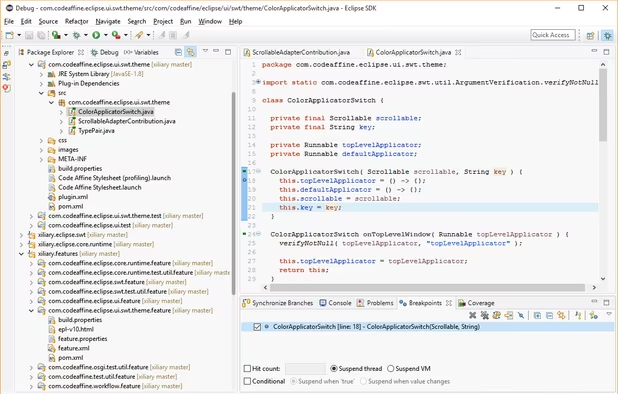
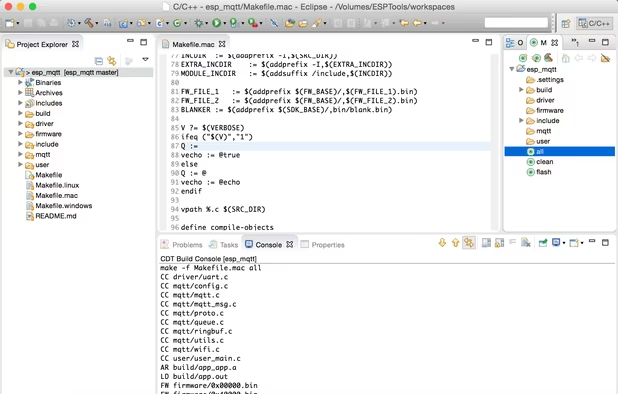
    Eclipse is an extensible development platform with runtimes and application frameworks for building, deploying and managing software across the entire software lifecycle. Many people know Eclipse as a Java IDE, but it is much more than that- Eclipse actually consists of over 60...

    Cost / License

    • Free
    • Open Source

    Application types

    Platforms

    • Mac
    • Windows
    • Linux
    • BSD
     
    |
    2
    Eclipse vs TextMate Comments
    Guest
    Negative
    6

    TextMate is a text editor while Eclipse is an IDE for developers.

    Guest
    Negative
    4

    One is an IDE, the other is text editor.

    • Eclipse is Free and Open SourceTextMate is also Free and Open Source
    • Eclipse is an IDE TextMate is a Code Editor
  7. Kate icon
     334 likes

    The Kate project develops two main products: KatePart, the advanced editor component which is used in numerous KDE applications requiring a text editing component, and Kate, a MDI text editor application.

    Cost / License

    Application types

    Platforms

    • Mac
    • Windows
    • Linux
    • BSD
    • KDE Plasma
    • Flathub
    • Flatpak
    • Snapcraft
     
  8. Neovim icon
     205 likes

    Refactored version of Vim, simplifying maintenance, improving developer contributions, and enabling new user interfaces. Features extensible plugin architecture, lightweight resource usage, syntax highlighting, no registration, ad-free, and distraction-free mode.

    Cost / License

    • Free
    • Open Source

    Application types

    Platforms

    • Mac
    • Windows
    • Linux
    • Chocolatey
    • Flathub
    • Snapcraft
     
  9. GNU Emacs icon
     391 likes

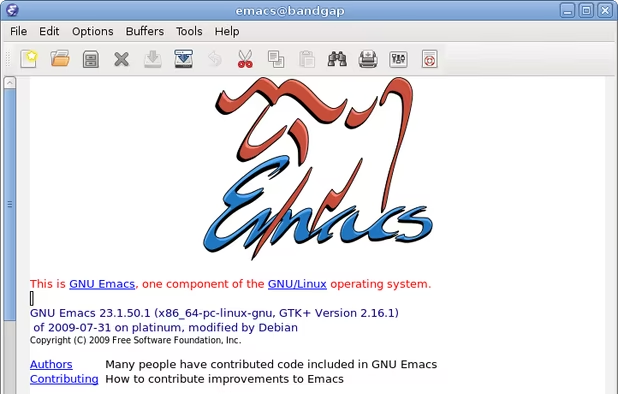
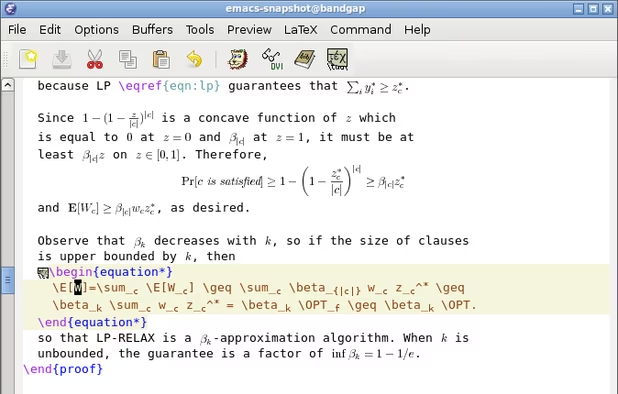
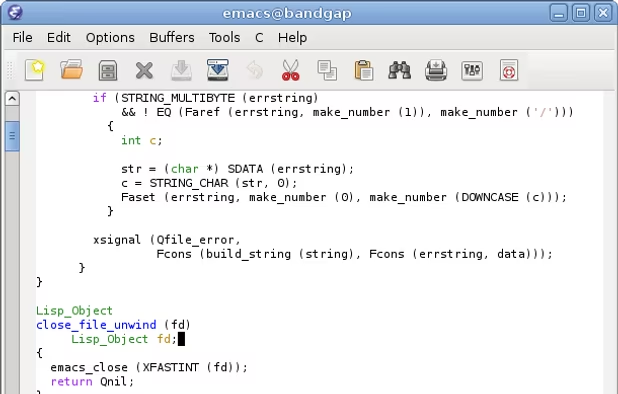
    GNU Emacs is an extensible, customizable text editor—and more. At its core is an interpreter for Emacs Lisp, a dialect of the Lisp programming language with extensions to support text editing. The features of GNU Emacs include:

    Cost / License

    Application types

    Platforms

    • Mac
    • Windows
    • Linux
    • Android
    • BSD
    • Snapcraft
    • F-Droid
    • Haiku
    • Debian
    • MacPorts
    • Homebrew
     
  10. gedit icon
     702 likes

    Extensible text editor with UTF-8 support, syntax highlighting for several programming and markup languages, remote editing, file reverting, print preview, clipboard operations, powerful search, customizable fonts and colors, line numbering, and plugin support.

    Cost / License

    Application types

    Platforms

    • Mac
    • Windows
    • Linux
    • Chrome OS
    • BSD
    • Flathub
    • GNOME
    • OpenSolaris
     
  11. Pulsar Editor icon
     50 likes

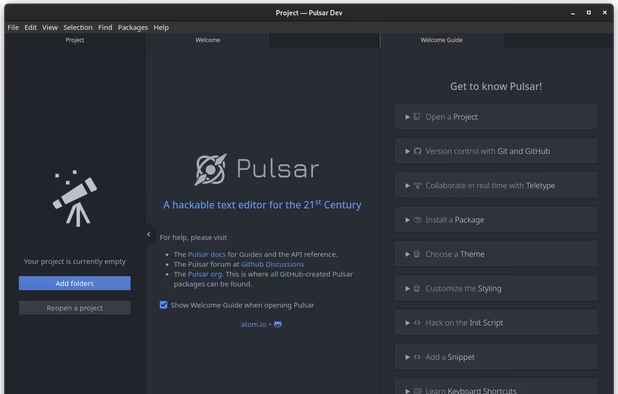
    A Community-led Hyper-Hackable Text Editor, built on Electron. and based on everything we love about our favorite editors.

    Cost / License

    • Free
    • Open Source

    Application types

    Platforms

    • Mac
    • Windows
    • Linux
    • Chrome OS
    • BSD
    • Electron
     
  12. Edit icon
     21 likes

    Open-source command-line text editor for Windows with a modern interface inspired by MS-DOS Editor, featuring key bindings, lightweight build under 250KB, multi-file handling with ctrl + P, keyboard-optimized navigation, and direct file editing for developers.

    Cost / License

    • Free
    • Open Source (MIT)

    Application types

    Platforms

    • Windows
    • Linux
    • Mac
     
12 of 69 TextMate alternatives