


Move and resize windows on macOS with keyboard shortcuts. Rectangle is a window management app based on Spectacle Wndow Manager, written in Swift (programming language).
 United States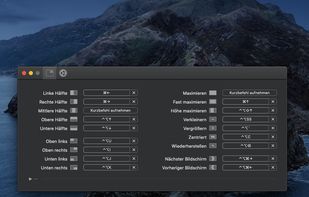


There are many alternatives to SizeUp for Mac if you are looking for a replacement. The best Mac alternative is Rectangle, which is both free and Open Source. If that doesn't suit you, our users have ranked more than 50 alternatives to SizeUp and loads of them are available for Mac so hopefully you can find a suitable replacement. Other interesting Mac alternatives to SizeUp are BetterTouchTool, SnapZones, MacsyZones and WinMux.
Move and resize windows on macOS with keyboard shortcuts. Rectangle is a window management app based on Spectacle Wndow Manager, written in Swift (programming language).

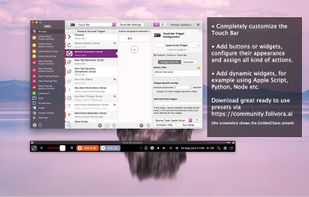
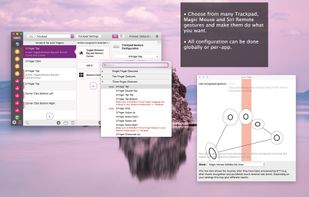
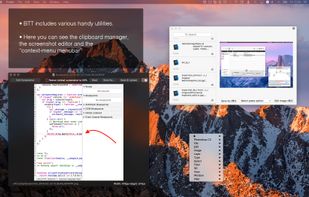
Customizes input devices on macOS by enabling gesture and button mapping, keyboard shortcut assignment, window snapping, automation, scripting, multi-device integration, and iOS app control. Features include touch bar, Apple Remote, and per-app profiles.
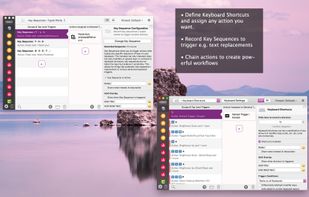

It has nothing to do with automatic window resizing and positioning


Organize windows with ease using SnapZones. Enjoy magnetic snapping, predefined and custom layouts, multiple display configuration, and seamless transitioning between workspaces. SnapZones auto-starts at login, ensuring streamlined productivity for macOS users in any environment.
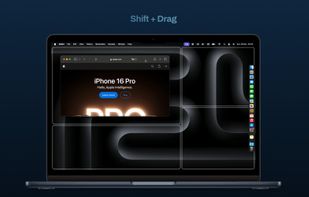
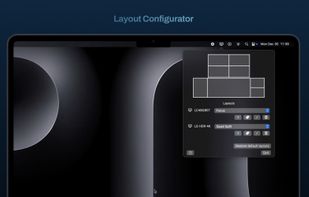


Customize layouts and sections for organizing windows into defined zones on macOS, easily snap and rearrange application windows, support multitasking needs, reduce desktop clutter, and enhance work efficiency for users managing multiple windows.
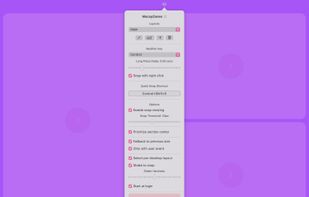

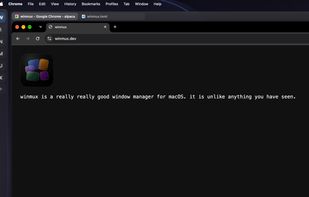
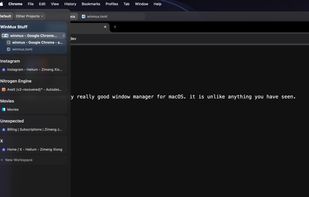
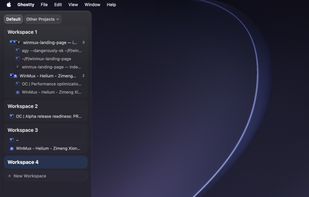
Sidebar-first macOS window manager supporting project hierarchies, drag-and-drop window and tab group organization, fully adjustable window gaps, browser-style tab groups with tab reordering, auto-hiding sidebar, Liquid Glass support, and robust workspace navigation.


Access all native macOS window tiling commands in one place — the Tiling Panel. Customize keyboard shortcuts and use them on any keyboard, even third-party ones.
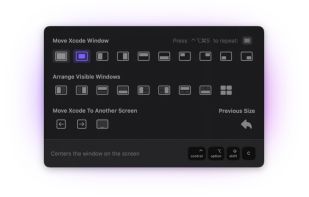


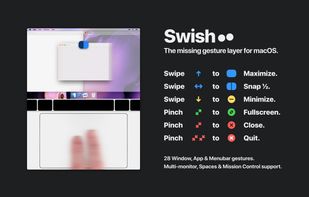
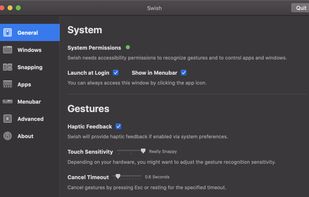
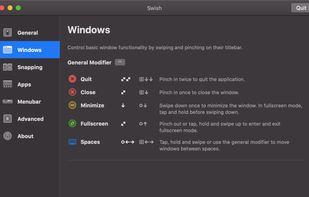


A native macOS menu bar app that provides quick window tiling with keyboard shortcuts and visual grid overlay. Just press QWE, ASD to tile your windows instantly. DRM-free, one-time purchase for all your Macs.
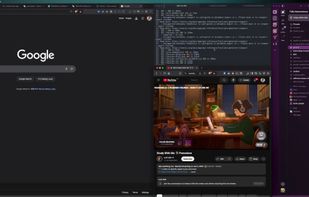
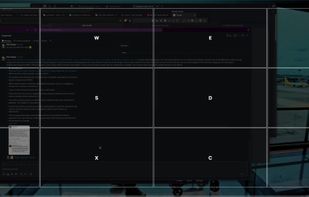


Split screen and organize windows on Mac with keyboard shortcuts, drag-and-drop zones, and professional layouts. Better than native Split View. Multi-monitor support.

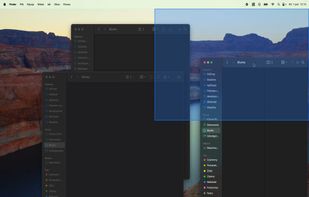
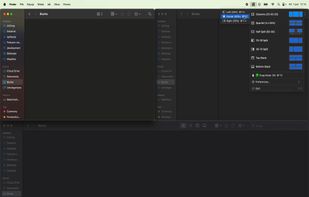


Divvy is an entirely new way of managing your workspace. It allows you to quickly and efficiently "divvy up" your screen into exact portions.

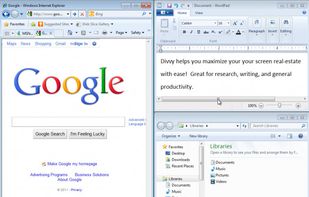
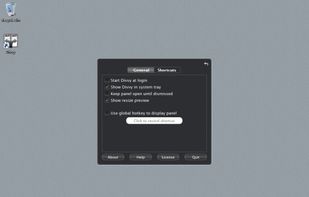
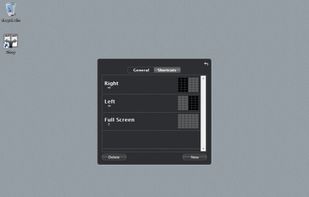


Moom makes window management as easy as clicking a mouse button—or using a keyboard shortcut, if you're one of those types of people.
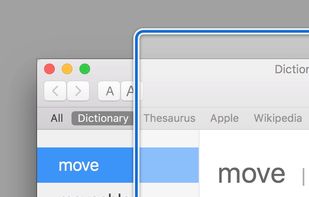
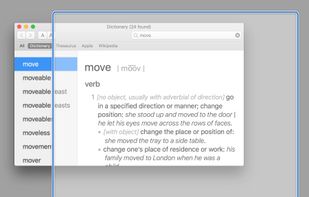
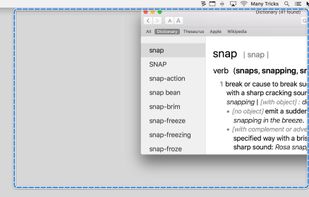
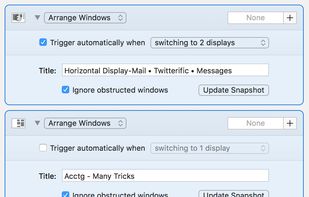


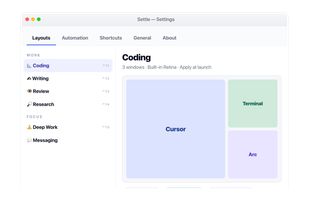
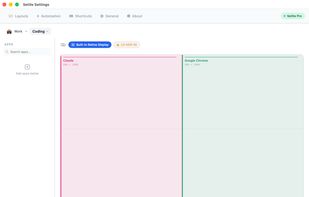
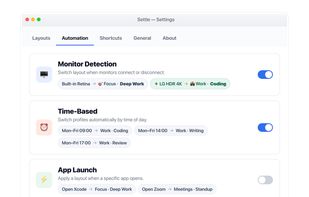
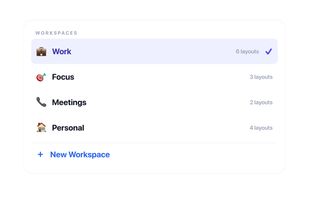
Enables window snapping, remembers and restores multi-app and multi-display layouts, supports workspace profiles, automation for monitor, time, and app rules, local data storage, per app positioning, works offline, and adapts window layouts to display changes.


 Germany
 EU
EU


 Austria


 Türkiye



 Poland


BetterTouchTool is the best alternative to SizeUp for me because I only wanted to use SizeUp for keyboard shortcuts to move windows between desktops. SizeUp it looking to be pretty dated, and requires you to release all modifier keys in order to initiate the move to a different desktop. BetterTouchTool is a behemoth app that does 100x more than what SizeUp does, but that works for me.