


Read, edit, convert, merge, and sign PDF files across devices, for completely free and without signing up.
Cost / License
- Free
- Proprietary
Application types
 Singapore
Platforms
- Mac
- Windows
- Online
- Android
- iPhone
- Android Tablet
- iPad


+2


There are many alternatives to Adobe Acrobat Reader for iPad if you are looking for a replacement. The best iPad alternative is PDFgear, which is free. If that doesn't suit you, our users have ranked more than 100 alternatives to Adobe Acrobat Reader and 17 are available for iPad so hopefully you can find a suitable replacement. Other interesting iPad alternatives to Adobe Acrobat Reader are Xodo, ABBYY FineReader PDF, Preview and Drawboard PDF.
Read, edit, convert, merge, and sign PDF files across devices, for completely free and without signing up.

Xodo is the ultimate cross-platform PDF viewer and annotator. Powerful, fast, and optimized for all phones and tablets, Xodo makes it easy to access, edit, share, sync, manage, sign, and more.


Optical recognition software boasting unmatched text accuracy converts scanned documents to editable Word, Excel, or searchable PDFs while preserving layout. Supports 190 languages, simplifies processes with automated tasks, and includes PDF editing tools.


Native macOS app for viewing, annotating, and editing images and PDFs, featuring tools for cropping, rotating, resizing images, rearranging pages, full-screen viewing, markup, document merging, batch conversion, and export in multiple formats.


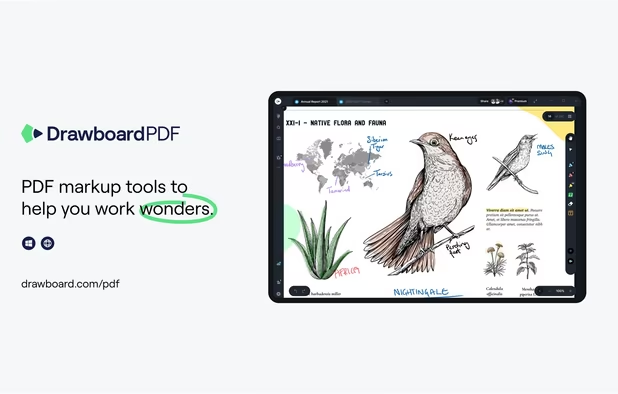
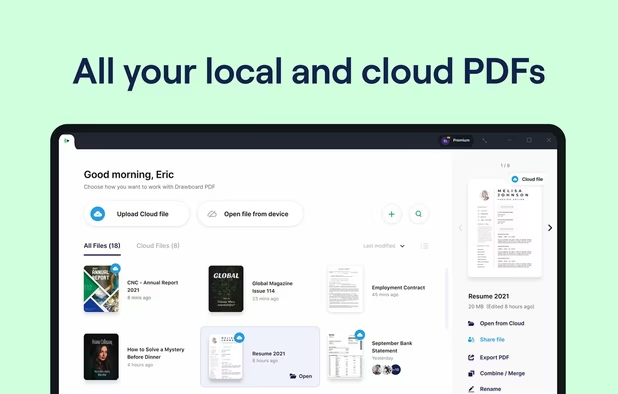
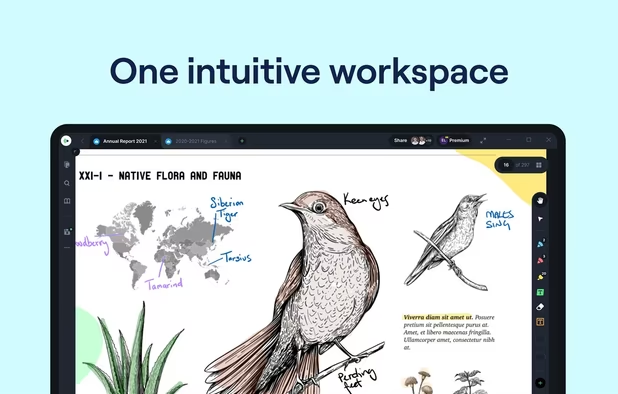
The top AEC PDF app to markup and manage drawings and documents. Ideal for replacing pen and paper, avoid printing documents again by using our intuitive feature set that makes marking up a PDF easy. Open or create a new PDF, markup using our extensive array of tools, then save...


With GoodReader on your iPhone, iPod Touch or iPad, you can read virtually anything, anywhere. Books, movies, maps, pictures; GoodReader puts it all in a single app, right in your pocket.


Besides exceptionally fast launching and displaying speed, Gaaiho Reader is reliable in printing, filling forms annotating documents and adding bookmarks.


PDF Viewer Pro is a fast and beautiful app, allowing you to view, search, and annotate PDF documents with ease on your iPhone and iPad.


SpeedyNote is a fast, open-source note-taking application designed for stylus users who need iPad-quality annotation on budget hardware. Built with native C++ and Qt, it delivers 360Hz stylus input on hardware as modest as an Intel Celeron N4000 at 1.


PDF Max is a desktop class PDF app for reading, annotating or signing PDF documents on your iPhone/iPad. Mark up documents with highlights and handwriting, insert texts and stamps, fill out, sign PDFs and even manipulate PDF pages.


No hefty subscriptions. No annoying ads. 100% offline and private (no accounts/sign up). Fast, simple, yet powerful editor & scanner.


 Canada
 Russia
 United States
 Australia
 Japan
Japan
 Taiwan
 Austria
 EU
EU


 Romania
 United Kingdom
Doesn't show my RPG PDF bookmarks