Adobe Acrobat DC Alternatives for Linux

Adobe Acrobat DC is not available for Linux but there are plenty of alternatives that runs on Linux with similar functionality. The best Linux alternative is Master PDF Editor, which is free. If that doesn't suit you, our users have ranked more than 100 alternatives to Adobe Acrobat DC and many of them are available for Linux so hopefully you can find a suitable replacement. Other interesting Linux alternatives to Adobe Acrobat DC are Sejda, GImageReader, Qoppa PDF Studio and Paperwork.

filter to find the best alternatives

Adobe Acrobat DC alternatives are mainly PDF Editors, but if you're looking for PDF Readers or Document Scanners you can filter on that. Other popular filters include Open Source, Free, EU, Linux, Windows + Open Source, Mac and Windows. You can also filter by region, for example EU-based alternatives if you prefer software developed in the European Union. These are just examples - use the filter bar below to find more specific alternatives to Adobe Acrobat DC.
Copy a direct link to this comment to your clipboard
Adobe Acrobat DC alternatives page was last updated

Alternatives list

  1. Master PDF Editor is complete solution for editing PDF and XPS files. You can insert, edit, remove, copy, add images or graphics. Export, import, remove and change page layouts. Also Master PDF Editor provides full functionality for changing PDF information, including author...

    136 Master PDF Editor alternatives

    Cost / License

    • Freemium
    • Proprietary

    Application types

    Platforms

    • Mac
    • Windows
    • Linux
    • Flathub
     
    |
    4
    Master PDF Editor vs Adobe Acrobat DC Comments
    Guest
    Negative
    24

    Free version for windows will include watermark on saved documents.

    Review by a new / low-activity user.
    Guest
    Positive
    4

    Has all the basic features such as merge, split, delete and it is in active development and it is available for LINUX :)

    Review by a new / low-activity user.
    Guest
    Positive
    -1

    It has more festures in the payed version and thus suites my usecase and it actually works on linux and does not just say it does and then it doesnt, at least that was the case with pdfsam in the extended version.

    Review by a new / low-activity user.
    3 of 4 comments
    • Master PDF Editor is Freemium and ProprietaryAdobe Acrobat DC is Paid and Proprietary
  2. Sejda icon
     35 likes

    Sejda helps with your PDF tasks: edit existing text, split, merge, extract, compress, export to other formats and more.

    145 Sejda alternatives

    Cost / License

    • Freemium
    • Proprietary

    Application type

    Platforms

    • Mac
    • Windows
    • Linux
    • Online
    • Google Chrome
    • Flathub
    • Flatpak
     
    |
    1
    Sejda vs Adobe Acrobat DC Comments
    Interstellar_1
    Positive
    2

    You get a limited amount of file edits per day, and the app is just an electron wrapper of the website, but it works well.

    • Sejda is Freemium and ProprietaryAdobe Acrobat DC is Paid and Proprietary
  3. GImageReader icon
     74 likes

    gImageReader is a simple Gtk/Qt front-end to the Tesseract OCR Engine.

    94 GImageReader alternatives

    Cost / License

    • Free
    • Open Source

    Application type

    Platforms

    • Windows
    • Linux
     
    |
    1
    GImageReader vs Adobe Acrobat DC Comments
    KimiBCN
    Negative
    1

    It's not an alternative to Acrobat Pro; it lacks many features.

    • GImageReader is Free and Open SourceAdobe Acrobat DC is Paid and Proprietary
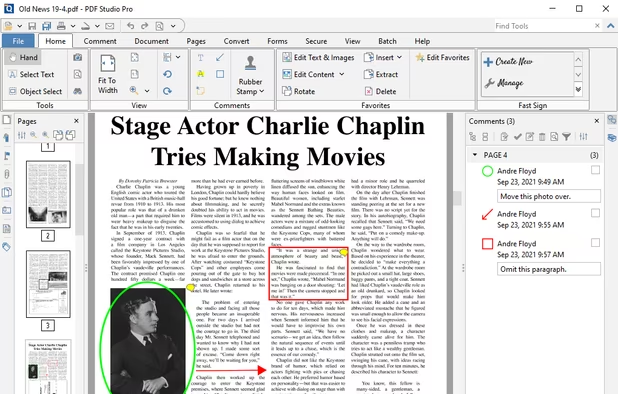
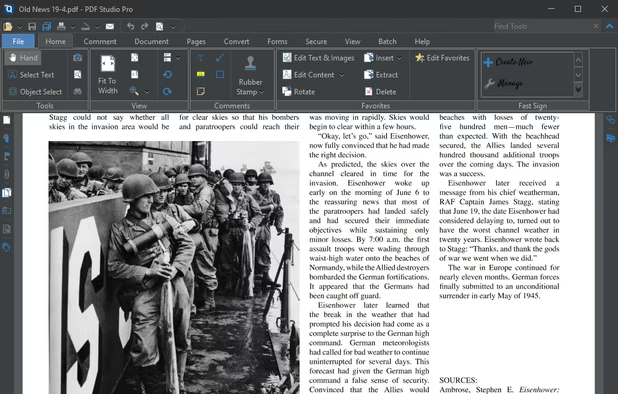
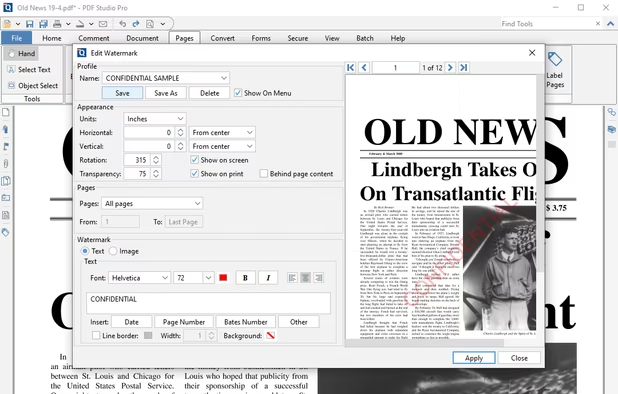
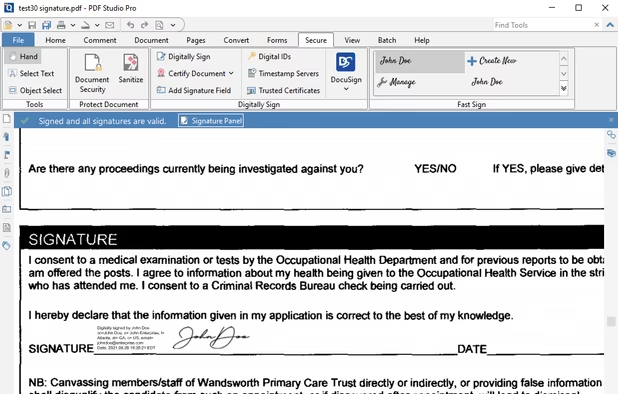
  4. Create, Convert, Review and Edit PDF Documents on Windows, macOS, and Linux.

    Cost / License

    • Paid
    • Proprietary

    Application types

    Platforms

    • Mac
    • Windows
    • Linux
    • Chrome OS
     
    |
    2
    Qoppa PDF Studio vs Adobe Acrobat DC Comments
    bunnyhero
    Positive
    0

    Much easier than Acrobat for advanced features.

    Guest
    Positive
    0

    It does most of the things DC does. It doesn't look good on 4K I'm afraid.

    Review by a new / low-activity user.
    • Qoppa PDF Studio is Paid and ProprietaryAdobe Acrobat DC is also Paid and Proprietary
    • Qoppa PDF Studio is LightweightAdobe Acrobat DC is not according to our users
  5. Sioyek icon
     24 likes

    Sioyek is a PDF viewer with minimal interface optimized for reading research papers and technical books.

    Cost / License

    Application type

    Platforms

    • Mac
    • Windows
    • Linux
     
    |
    1
    Sioyek vs Adobe Acrobat DC Comments
    Guest
    Positive
    0

    I love Sioyek because it has blazingly fast update time when a pdf modified. very suitable for latex with (n)vim/emacs user.

    Review by a new / low-activity user.
    • Sioyek is Free and Open SourceAdobe Acrobat DC is Paid and Proprietary
    • Sioyek is LightweightAdobe Acrobat DC is not according to our users
  6. Papers icon
     12 likes

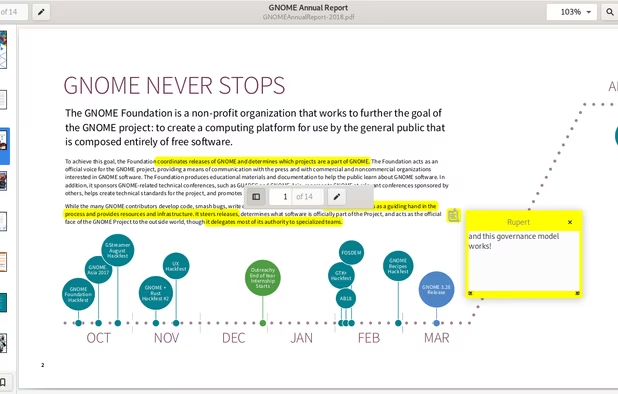
    A document viewer for the GNOME desktop. You can view, search or annotate documents in many different formats.

    Cost / License

    Application types

    Platforms

    • Linux
    • Flathub
    • GNOME
    • Flatpak
     
    |
    1
    Papers vs Adobe Acrobat DC Comments
    Shaz Shah
    Negative
    0

    It's not a PDF editor, but a really nice looking viewer/reader.

    • Papers is Free and Open SourceAdobe Acrobat DC is Paid and Proprietary
    • Papers is Privacy focused and LightweightAdobe Acrobat DC is not according to our users
  7. PDFtk icon
     19 likes

    PDFtk is a simple tool for doing everyday things with PDF documents. It comes in three flavors: PDFtk Free, PDFtk Pro, and our original command-line tool PDFtk Server.

    47 PDFtk alternatives

    Cost / License

    • Freemium
    • Open Source

    Application type

    Platforms

    • Mac
    • Windows
    • Linux
    • Self-Hosted
     
  8. Comprehensive cross-platform PDF suite enabling accurate conversion from native or scanned files to Word, Excel, PowerPoint, and AutoCAD, with OCR support, document editing, annotation, redaction, interactive forms, table customization, batch creation, secure signing, and multilingual UI.

    89 Able2Extract Professional alternatives

    Cost / License

    • Paid
    • Proprietary

    Application types

    Platforms

    • Mac
    • Windows
    • Linux
     
  9. RAD PDF icon
     1 like

    RAD PDF is a website component and online interface for editing, filling, signing, and viewing PDF documents. This ASP.NET technology offers your users a free PDF editor, ready for integration with your web application.

    Cost / License

    • Freemium
    • Proprietary

    Application types

    Platforms

    • Windows
    • Linux
    • Online
    • Self-Hosted
     
  10. OCRmyPDF icon
     15 likes

    OCRmyPDF adds an OCR text layer to scanned PDF files, allowing them to be searched - jbarlow83/OCRmyPDF

    21 OCRmyPDF alternatives

    Cost / License

    • Free
    • Open Source

    Platforms

    • Mac
    • Windows
    • Linux
     
  11. Aspose.Pdf for Cloud is a REST API to create, edit & manipulate PDF files. It also convert PDF file to DOC, DOCX, HTML, XPS, TIFF etc. You can create a new PDF either from scratch or from HTML, XML, template, database, XPS or an image.

    Cost / License

    • Paid
    • Proprietary

    Application types

    Platforms

    • Windows
    • Linux
    • Online
     
12 of 44 Adobe Acrobat DC alternatives